www.PyleUSA.com
6 7
www.PyleUSA.com
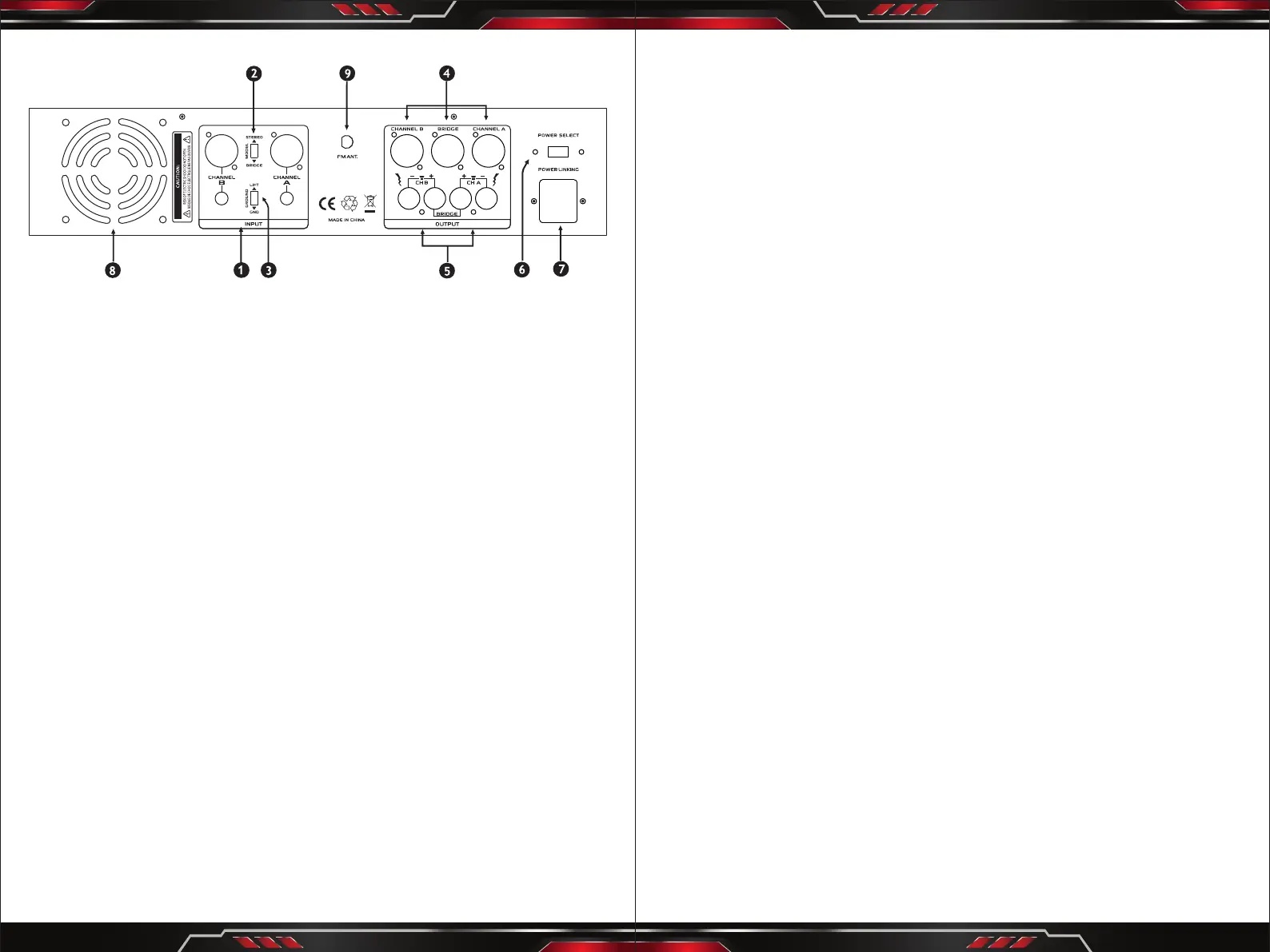
Back Panel
1. INPUT
Cannon and input jack connector provide balance or unbalance input mode.
2. MODE SWITCH
This switch is used to select STEREO or BRIDGE mode operation.
3. GROUND LIFT SWITCH
4. BINDING POST OUTPUTS
Shockproof binding posts are provided. For each channel, the outputs are in
parallel and the speaker connection cables can be terminated with banana
plugs or stripped wires.
5. SPEAKER OUTPUT
The amplier provides (3) four conductor speaker connectors, one for each
channel and one for bridge mode.
6. POWER SELECT
Switch to choose 110V-120V or 220V-240V power supply.
7. POWER INPUT
This is a standard IEC power connector. An AC main cord, which has the
appropriate AC plug and rating for the intended operating voltage, is included
in the carton.
8. FAN GRILL
(Two) 2 speed DC fans supply cool air to the amplier. The fans switch to high
speed automatically when the unit requires additional cooling.
9. FM ANTENNA: Connect for tuner antenna.
Instruction
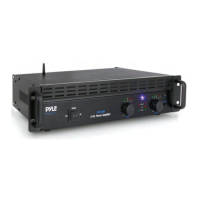
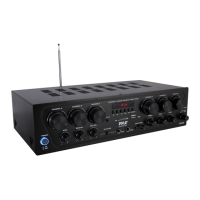
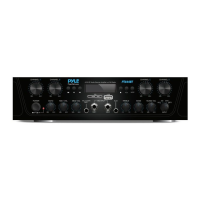
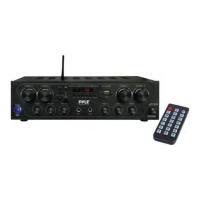
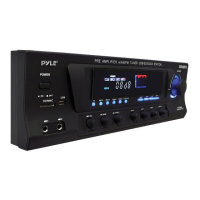
Pyle's PTA1000BT Wireless BT Pro Audio Power Amplier is the perfect solution
for all of your audio needs. Using the latest sound amplication technology and
an impressive 1000 Wall power output, this receiver is designed to deliver pure
stereo sounds from a wide range of connected music sources. Built-in Wireless
BT audio receiver ability allows you to stream your music wirelessly and it works
with all of your favorite devices (like Smartphones, Tablets, laptops, Computers,
etc.) Enjoy full range stereo sound reproduction when streaming audio with a
wireless range of up to 30' feet. Additional system features include USB Flash
Drive Reader, SD Card Reader, Push Type Speaker Terminal connectors, RCA
Stereo Inputs, RCA Subwoofer Output, and along with an Aux (3.5mm) jack to
connect even more external devices. Take control of your sound with the Pyle
PTA1000BT Wireless BT Pro Audio Power Amplier.
Wireless BT Operation Instruction:
External devices which have a built-in Wireless BT feature can be connected
to this amplier wirelessly to play through the amplier's speakers.
1. At rst be sure that the amplie is powered ON, and turn the volume to the
MINI position and it's better to pull the Wireless BT Antenna on at the back
panel for better receiving.
2. Press the BT/line button switch in on the front panel, you will hear the voice
"POWER ON" and also "PAIRING", and then the unit is automatically ready to
pair with your external device.
3. Turn ON the Wireless BT of your external devices like Smartphone, Computer,
and others, etc.
4. Search for available Wireless BT devices within range of your external device
and wait for your device to select "PYLE PRO" on the pairing devices lists.
5. And seconds later when you heard a voice "Your Device is Connected", then
the Wireless BT pairing is successful.
6. You can now play music on your external device through the amplier.


 To Next Page
 Loading...