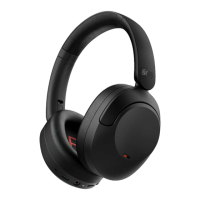
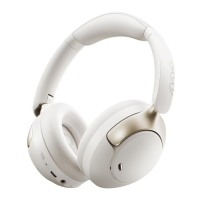
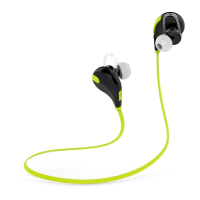
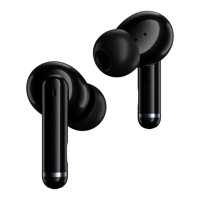
Above pictures are for reference only yet practical product may vary.
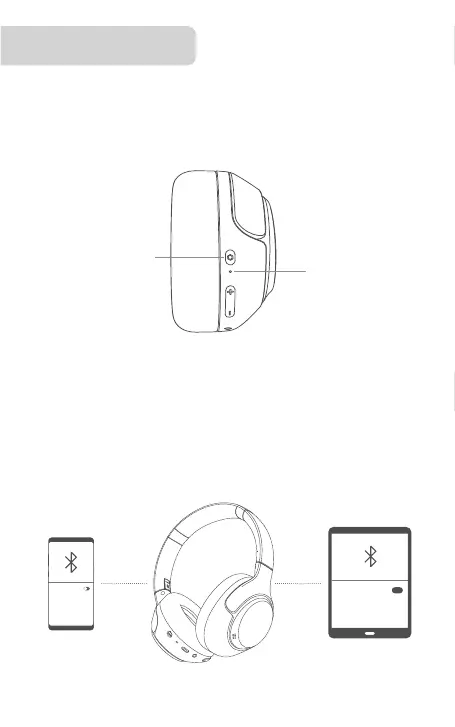
Connect headset to Device A then turn o its Bluetooth and the
headset will auto turn connectable(LED blinks red and blue). On
Device B, search QCY H3 and tap to connect. Once again turn on
Bluetooth on Device A and connect it to the headset.
Multi-Point Connection
Device A
Device B
How to Connect
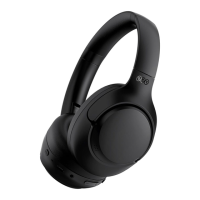
Power on headset and it will auto turn connectable. On phone, search
QCY H3 and tap to connect.(It will auto reconnect to the last device in
connectivity record, if any. If you need to make it turn connectable
again, power it o and press and hold MFB for 4s.)
Press and hold
for 2s to power on
LED blinks
red and white
Bluetooth
QCY H3
Bluetooth


 To Next Page