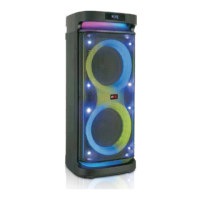
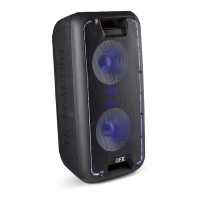
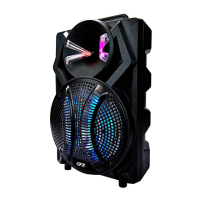
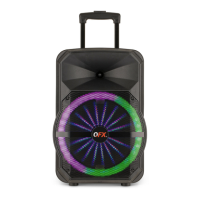
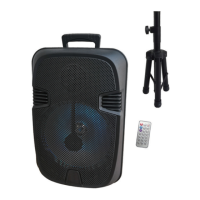
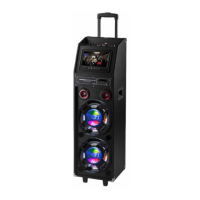
PBX-102 Recording Function
Put USB/TF card in the slot, then inserting the wired microphone, make sure it is working.
Long press “REC” to start recording sound , short press “REC ” playing recording file. Press again to exit
recording function.
PBX-102 Función de grabación
Coloque la tarjeta USB / TF en la ranura, luego inserte el micrófono con cable, asegúrese de que esté
funcionando.
Long Presione “REC” para iniciar la grabación de sonido, pulsación corta“REC” paragrabarl archivo.
Presione nuevamente para salir de la función de grabación


 To Next Page
 Loading...