8 9
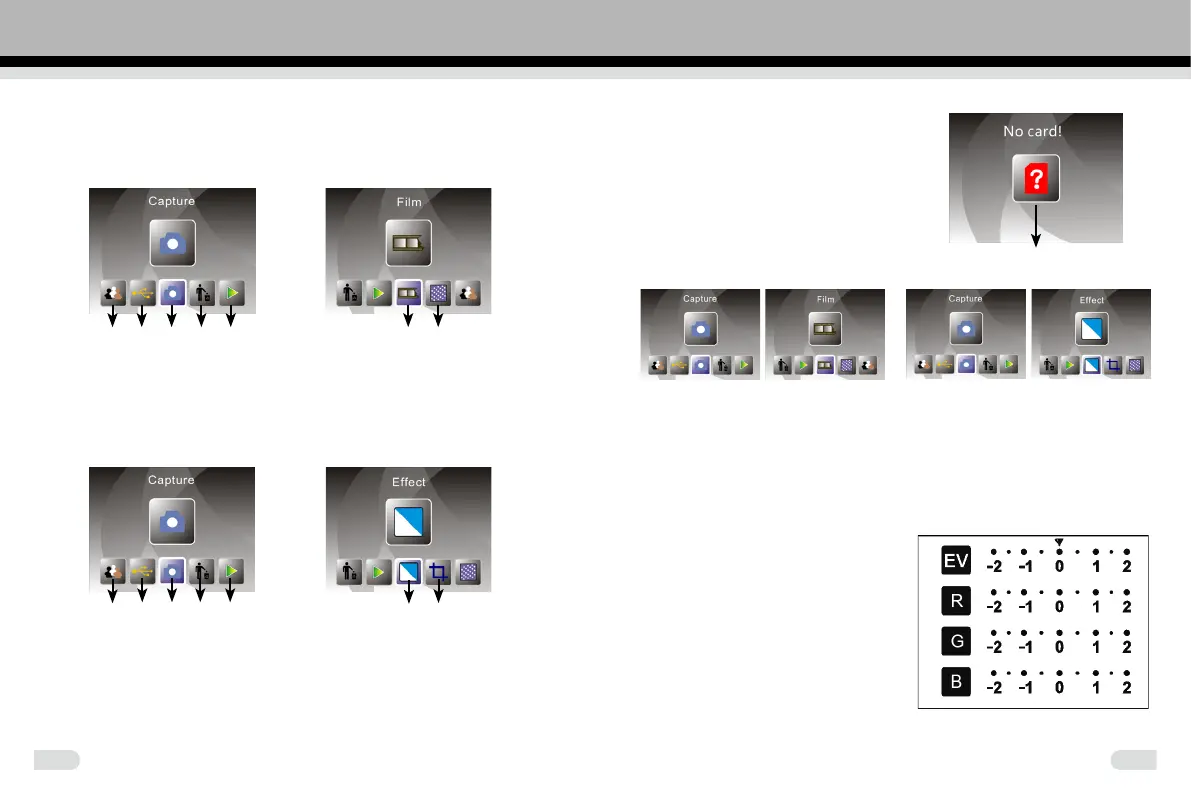
Home/MODE: No memory card
When no memory card is inserted
into the machine, a warning icon
will be shown on screen.
No memory card indicator
1: Capture
or
After the welcome page, the above menu will appear. You can press
LEFT/RIGHT button for desired menu, and then press ENTER button to
conrm.
Note: In capture mode, we recommend you use AC adapter connected
with USB for capturing.
1.1 Adjust brightness and color of image
You can adjust brightness and color
of image in capture mode.
When enter into capture mode, press
ENTER button, following picture will
show on:
EV means brightness; R means red;
G means green; B means blue.
Press ENTER button to switch, press
LEFT/RIGHT button to adjust data
Press SCAN button back to image
preview mode
♦ Operation Guide
Home/MODE: Main menu
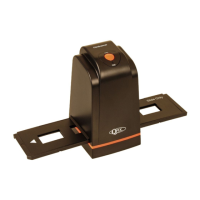
When the Film scanner mode is selected, the following main menu will
appeared:
① ② ③ ④ ⑤ ⑥ ⑦
①
Language mode
④
Format
②
USB mode
⑤
Playback mode
③
Capture mode
⑥
Film Type
⑦
Resolution
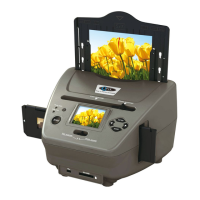
When the Photo scanner mode is selected, the following main menu will
appear:
① ② ③ ④ ⑤ ⑥ ⑦
①
Language mode
④
Format
②
USB mode
⑤
Playback mode
③
Capture mode
⑥
Effect: multicolor, B&W
⑦
Crop proportion:
(5”x7” (5R), 4”x6” (4R), 3 ½”x5” (3R), name card)



 To Next Page