-20-
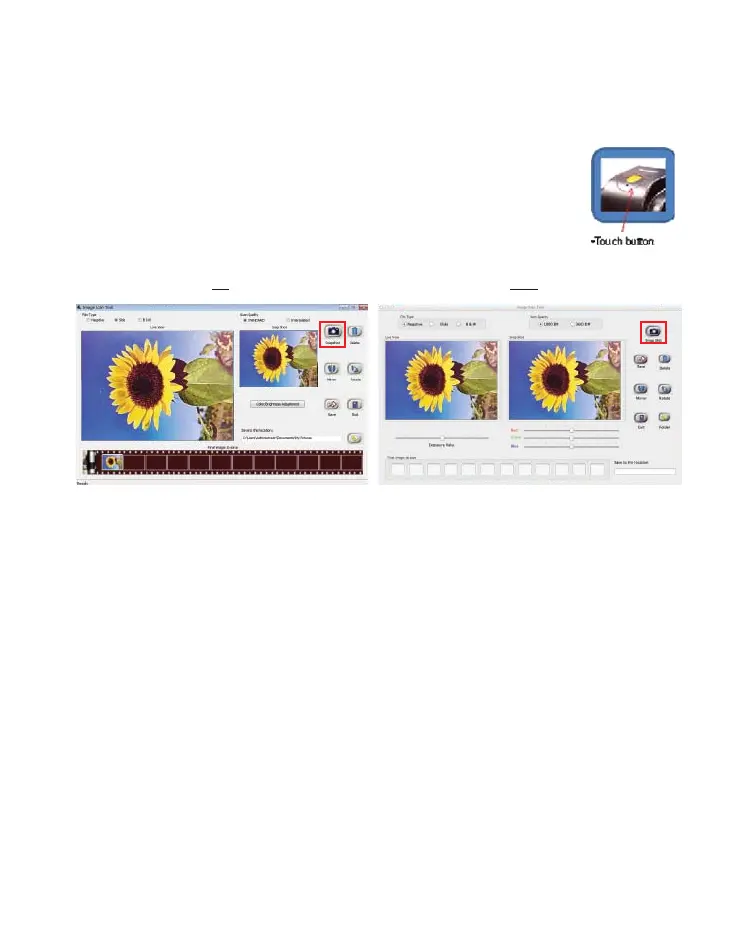
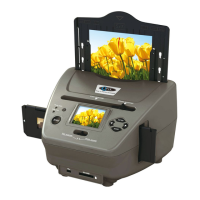
User can either click on “Snapshot” icon or press the hard key “Copy”
touch n to capture images. Captured images will be rst stored in the
thumbnail bar. Total of 12 thumbnail images are able to store in the bar.
PC Mac
The image control, mirror, rotate, color and brightness in Image Scan Tool is preview instantly
in Snap Shot window.


 To Next Page