-2-
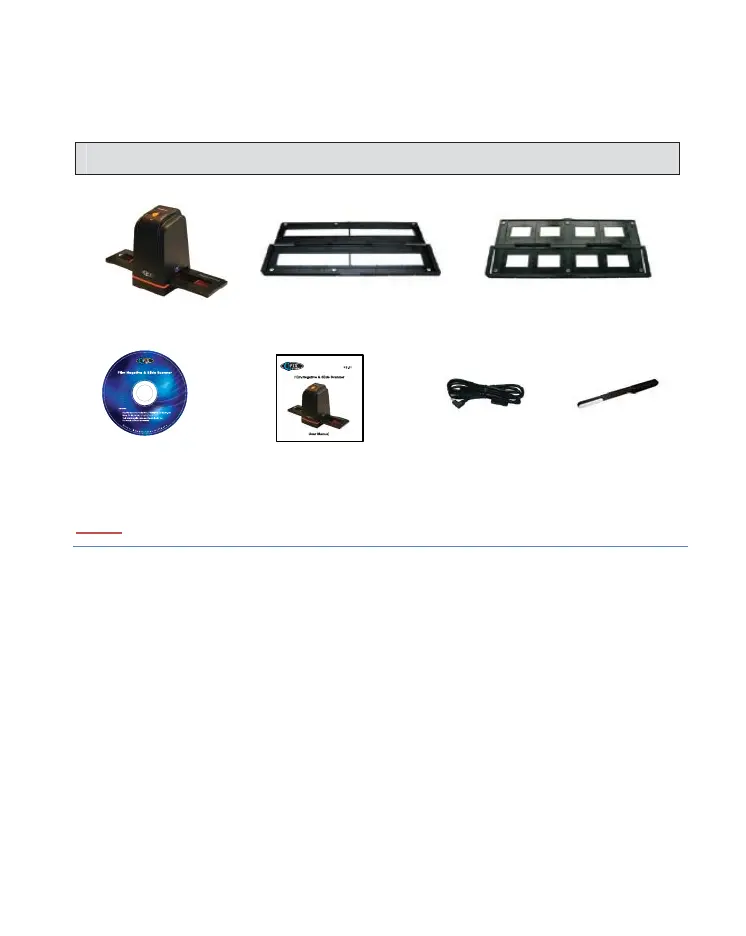
I. Unpack Device
NOTE
We strongly suggest using a clean, dry, non-alcohol coon swab to insert into
the lm scanner slot and clean the glass surface periodically to produce a
clear image.
Make Sure all negave lms, slide lms and cover trays are free of dust and
dirt before inserng into the device as this may ect the image quality when
scanning.
When cleaning lms, please use a professional recommended purger from a
photo store to avoid damaging old or precious lms.
Film Scanner
Slide Film HolderNegave Film Holder
CD-ROM Clean brush
User Manual USB cable


 To Next Page