3
Copyright © Shenzhen Quick Zoom Technology Co., Ltd., All Rights Reserved
1. Hardware Installation
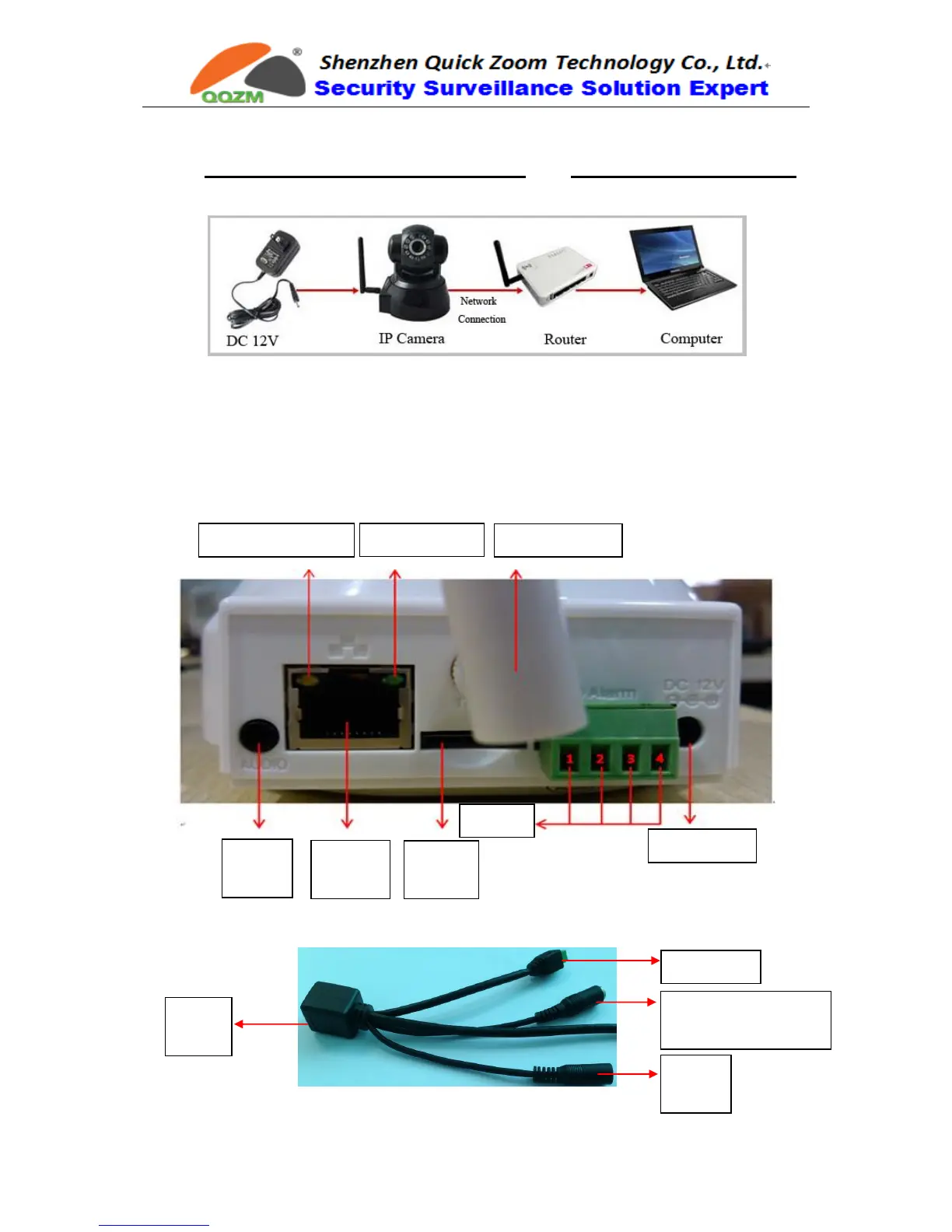
Please Connect camera to the Router FIRST and then Power on the camera ,
like the following way:
Use the correct power supply for camera, and connect it to router or switch.
Note: Please check whether the working status of “Network Indicator” and
“Data Indicator” are same with the following description, if not, please
reconnect the power adaptor and network cable again.
(1) P/T Wireless IP Camera Interface Introduction:
(2) Bullet / Dome IP Camera Interface Introduction:



 To Next Page