4
Copyright © Shenzhen Quick Zoom Technology Co., Ltd., All Rights Reserved
2. Software Installation
(1) Insert the CD into CD driver of your PC
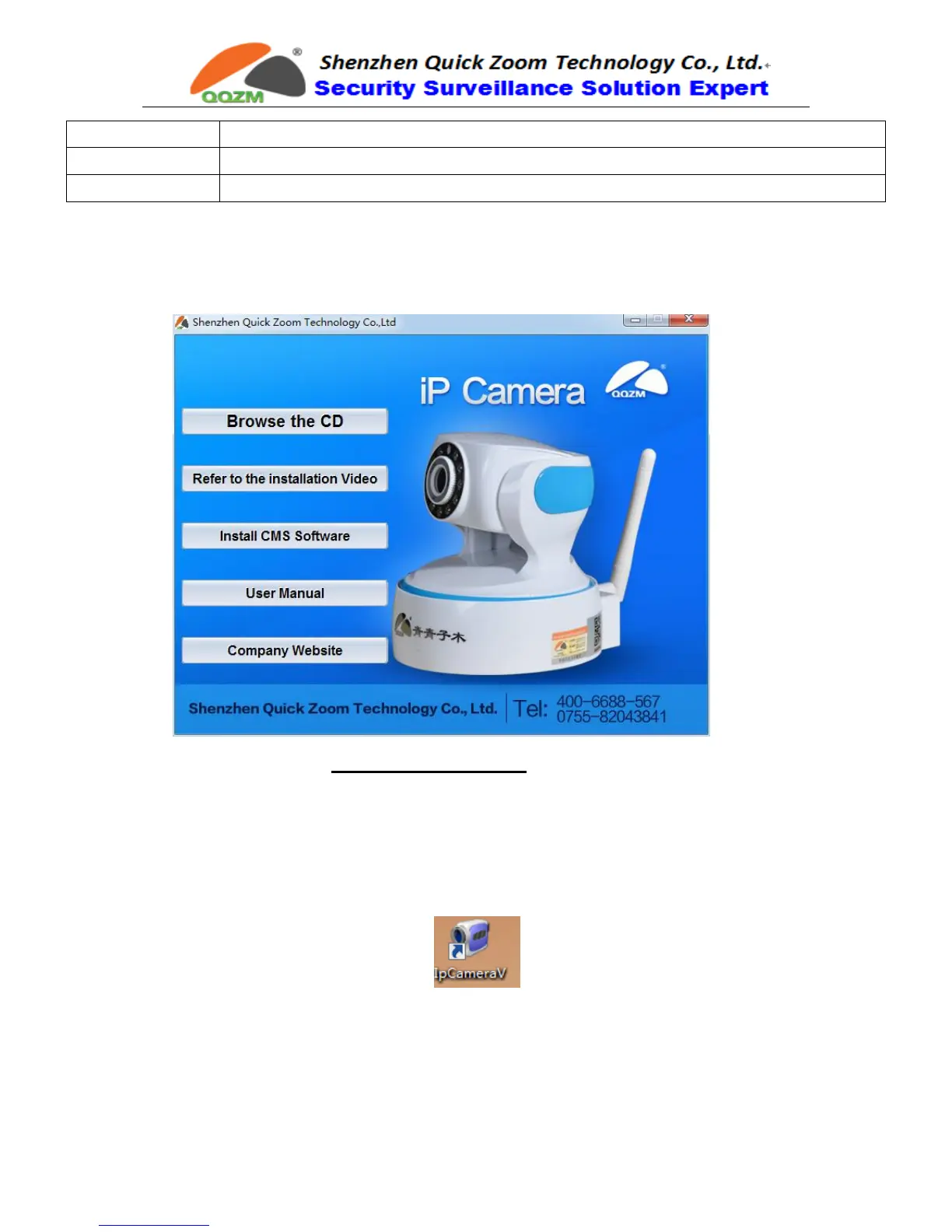
(2) It will pop up the auto installation windows like below:
(3) Click the button of “Install CMS Software” to run the install package; or you
can open the CD directly, find out the folder “1. Camera Monitoring
Software2. PC Monitoring Client Software” and install the software” IPC
CMS Software”.
(4) After finishing installation, the icon like below will display on your desktop



 To Next Page