EasyManua.ls Logo

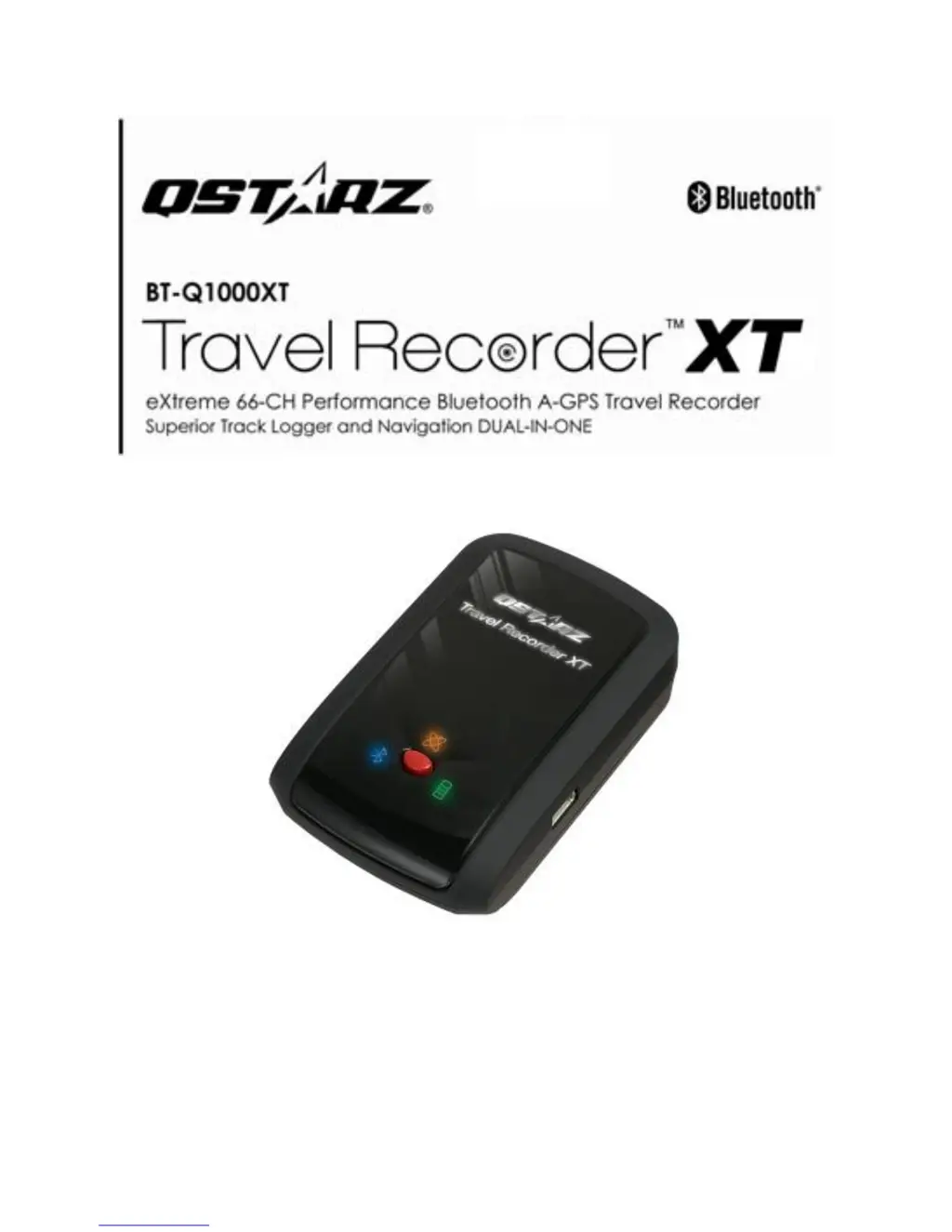
Qstarz BT-Q1000XT - User Manual

Qstarz BT-Q1000XT
36 pages
Print Icon
To Next Page IconTo Next Page
Loading...

Other manuals for Qstarz BT-Q1000XT

Questions and Answers

  • L
    Laura StantonJul 26, 2025
    Why does my Qstarz GPS BT-Q1000XT log only 150,000-160,000 waypoints?
    • M
      Matthew BurtonJul 26, 2025
      The logging capacity of your Qstarz GPS BT-Q1000XT is reduced because more options are enabled to provide detailed GPS information. To increase the number of waypoints, reduce the selected options under 'Log Format'. This will save memory and allow for more waypoints to be recorded.
  • M
    Michelle BergerJul 30, 2025
    What to do if my Qstarz GPS BT-Q1000XT doesn't log automatically?
    • S
      Sarah MurrayJul 31, 2025
      Ensure your Qstarz GPS BT-Q1000XT is switched to Nav mode and connected to the satellite. Also, in Software>Config Device, select the correct local time zone and ensure the schedule checkbox is checked.
  • D
    Debbie AllenAug 4, 2025
    Why my Qstarz GPS BT-Q1000XT could not use 42 hours?
    • L
      Leslie MosleyAug 4, 2025
      The Qstarz GPS BT-Q1000XT may not last for 42 hours due to increased power consumption when it is constantly trying to fix a position, seeking a Bluetooth connection, has the beeper enabled, the POI button is pressed frequently, or if it's used in an unstable environment such as bad weather, forest, or among buildings. After the battery Red LED light is blanking, it can still be used for navigation.
  • C
    Christina RamosAug 7, 2025
    Why doesn't my Qstarz GPS BT-Q1000XT last 42 hours?
    • R
      Raymond RodriguezAug 7, 2025
      The Qstarz GPS BT-Q1000XT may not last 42 hours because GPS units consume more power when continuously seeking a position fix, maintaining a Bluetooth connection, using the beeper, frequently pressing the POI button, or operating in unstable environments such as bad weather, forests, or among buildings. The BT-Q1000XT can achieve 42 hours of use under optimal environmental conditions. Also, note that even after the battery red LED light starts blinking, the device can still be used for navigation without issues.
  • A
    April VillarrealAug 12, 2025
    What to do if Qstarz GPS BT-Q1000XT doesn’t log automatically?
    • S
      Savannah BradshawAug 12, 2025
      If your Qstarz GPS BT-Q1000XT doesn’t log automatically within the set time schedule, ensure that the device is switched to Nav mode and has established a satellite connection. Additionally, in the software configuration, verify that you have selected the correct local time zone and that the schedule checkbox is checked.
  • M
    Michael MillerAug 16, 2025
    What to do if my Qstarz GPS BT-Q1000XT doesn’t log automatically?
    • C
      Chelsea ParkerAug 17, 2025
      Ensure your Qstarz GPS BT-Q1000XT is in Nav mode and has established a connection with the satellite. Also, verify in Software>Config Device that the correct local time zone is selected and the schedule checkbox is checked.
  • M
    Manuel LeeAug 20, 2025
    Why my Qstarz GPS BT-Q1000XT doesn't last 42 hours?
    • L
      Lee GravesAug 20, 2025
      The Qstarz GPS BT-Q1000XT can achieve 42 hours of use under optimal environmental conditions. Several factors can impact battery life: * Continuous attempts to fix a position. * Maintaining a Bluetooth connection. * Having the beeper enabled. * Frequent use of the POI button. * Operating in unstable environments such as bad weather, forests, or areas with many buildings. Also, after the battery Red LED light is blanking, it can still be used for your navigation without any problem. Consider also reducing the options under Log Format to save memory and increase the number of waypoints.

Summary

3. Device Features

High Sensitivity Chipset and Tracking

Features MTK II chipset with -165dBm sensitivity and 66-Channel tracking.

Extended Power Operation

Offers ultra-low power consumption for up to 42 hours of operation.

Fast AGPS Fix and Stand-Alone Logging

Supports <15s AGPS fix and logs up to 400,000 records stand-alone.

4. Product Specifications

General Specifications

Details GPS Chip, Frequency, C/A Code, Channels, Antenna, Sensitivity, Datum.

Performance Characteristics

Covers Position, Accuracy, Velocity, and Time specifications.

5-2. Hardware Functionality

7. POI Button Functionality

5-3. Battery Installation Guide

5-4. LED Indicators Explained

5-5. Vibration Sensor Function

6. Setup BT-Q1000 XT

6-1. Install Driver and Software Utility

Guides users through system requirements and installation of the driver and software utility.

System Requirements for Software Installation

Lists minimum and recommended system specifications for installing the QTravel software on Windows.

6-1. Installing the QTravel Software

6-1. QTravel Software Component Selection

6-1. QTravel Software Installation Completion

7. Start to Use

7-1. Fully Charge the Battery

Emphasizes charging the battery fully before the first use for optimal operation.

7. Usage and PC Connection

7-2. Getting Satellite Fix

Explains how the GPS acquires satellite positions and the function of the GPS LED.

7-4. Product Key Management

9. Troubleshooting Common Issues

Simultaneous Navigation and Logging

Addresses whether the BT-Q1000XT can be used for navigation while logging travel data.

Battery and Charger Support

Information on finding replacements for lost chargers and batteries, and compatible charger specifications.

9. Troubleshooting Logging Schedules

Automatic Logging Schedule Issues

Troubleshooting steps for automatic logging not occurring within the set time schedule.

10. Appendix: Bluetooth Connectivity

10. Appendix: Bluetooth Setup (Windows Mobile)

10. Appendix: Bluetooth Device Pairing

10-3. Configure GPS Intermediate Driver

GPS Settings Configuration

Instructions on setting the GPS program port and hardware port for optimal data communication.

10. Appendix: GPS Driver Configuration

Manage GPS Automatically

Ensuring the 'Manage GPS Automatically' checkbox is checked for proper GPS data access.

10-4. Start Navigation Software

10-5. Switch to eXtreme 5 Hz Sport Mode

10-5. GPSview Software Settings

10-5. GPSview eXtreme Mode Setup

10-6. Safety Notices

10-6. Regulatory Compliance

Qstarz BT-Q1000XT Specifications

General IconGeneral
PurposeCar
Product colorBlack
Electronic compassNo
Vibrating functionYes
Battery life (max)42 h
USB version2.0
USB connector typeMini-USB
Cables includedUSB
Memory card slot(s)-
Weight and Dimensions IconWeight and Dimensions
Depth72.2 mm
Width45 mm
Height20 mm
Weight64.7 g

Related product manuals