| 9
Q.3 Making a Voice or Video Call
To make a phone call, ensure that a SIM card is installed and the battery is sufficiently
charged. To open the Phone screen, press SEND or tap
Phone on the Today screen.
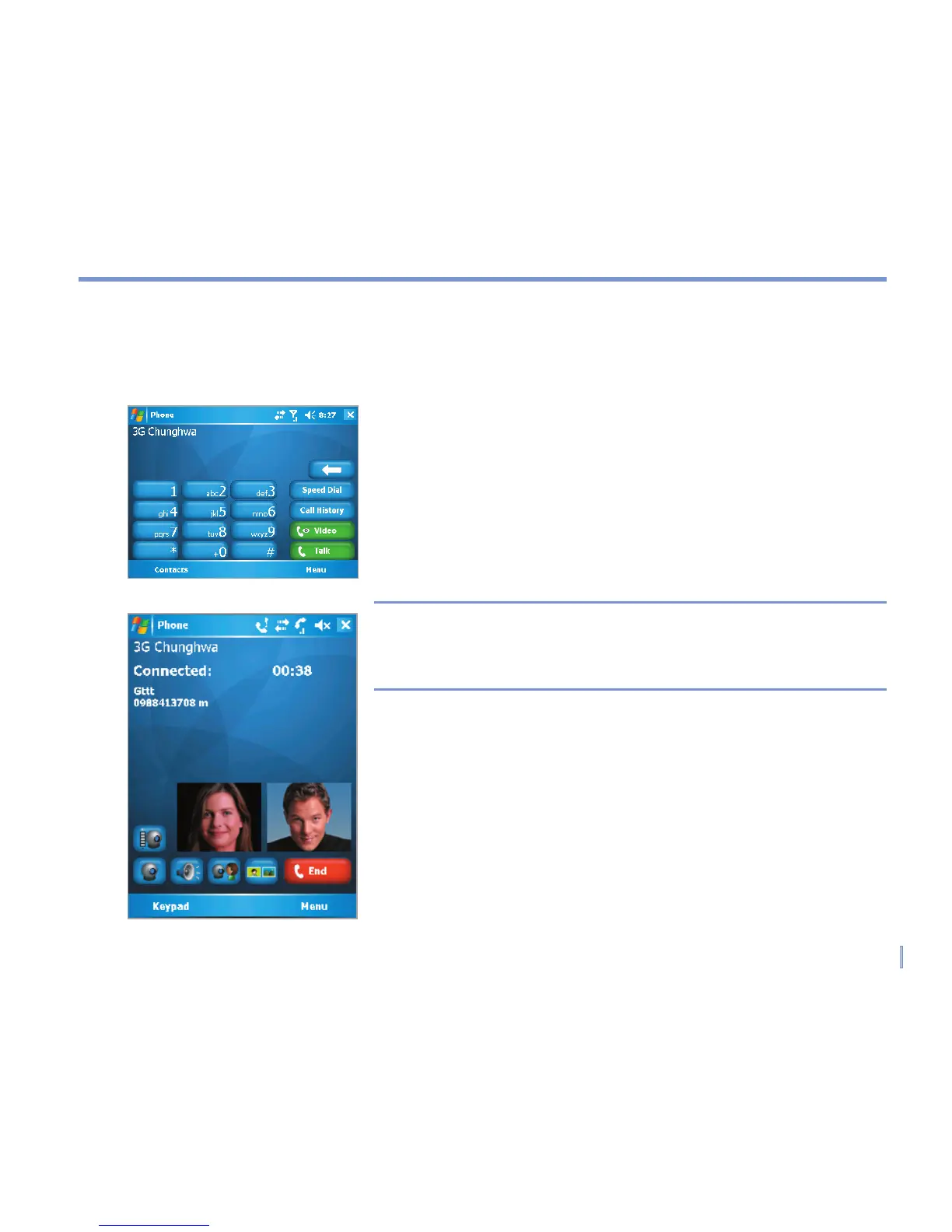
Make a Voice Call
• On the Phone screen, enter the number you want to call
and tap Talk. To end the call, tap End.
Make a Video Call
• On the Phone screen, enter the number you want to call
and tap Video. To end the call, tap End.
Note The caller’s image will appear on the screen about 3 to 5
seconds after connection, depending on the signal strength.
The streaming images quality may also be influenced by the
signal.Video calls are only possible when within 3G coverage.
Phone Screen
Video Call



 To Next Page