18
QUANTEX GmbH 2014
Datastream
In the tab “Datastream” one can look through the current information, read out
from the control units sensors.
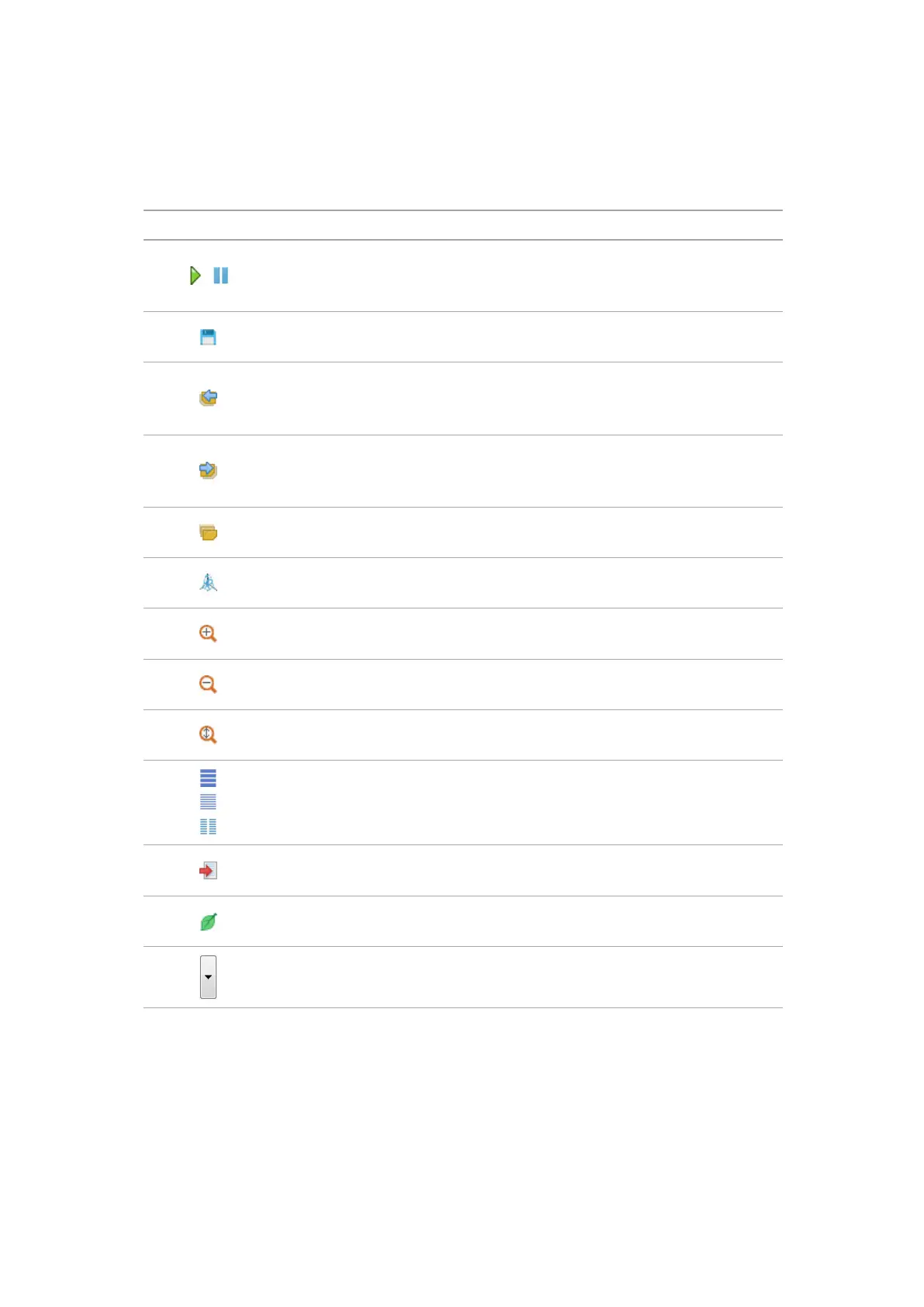
The control bar enables to manage graphs and tests.
Control bar buttons description.
Button Description Hot key
Start / Stop. Activates or stops the options cycling
mapping mode Options cursory measuring can be
made within this mode.
Space
Save data. Options, displayed to the le in a tempo-
rary folder of Clients program.
Ctrl+S
Previous group. Determines options previous group
according to the list. Groups are generated out of the
options in the alphabetical order.
Page
Up
Next group. Determines options next group according
to the list. Groups are generated out of the options in
the alphabetical order
Page
Down
Install user group.
Calls the control box of options users group.
3D diagram.Enables to see how options change and
inuence one another.
Zoom in by X.
Zoom in the oscilloscope picture scale by X.
“+”
Zoom out by X. Zoom out the oscilloscope picture
scale by X.
“-”
Automatic scale. Sets the scale when the maximum
option value isn’t showed outside the display.
Ctrl+А
Picture view.
View mode of one, two or all the options on the dis-
play. To install the active group, press Tab.
Ctrl+V
Add the protocol. Adds current options values to the
protocol.
Ctrl+R
Exhaust gas tester. Activates the exhaust gas tester
program.
Ctrl+G
Tests. Tests list opening. Ctrl+T


 To Next Page