Installation
To start, do the following:
Step 1 - Make sure your PC meets the system hardware requirements.
Step 2 - Install the ScanDoc program to your PC.
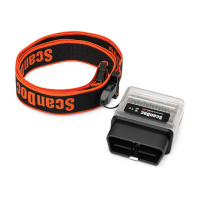
Step 3 - Connect the adapter to the car and the PC.
Step 4 - Activate the device on-line.
The device is ready for service.
Step 1 - Minimum system hardware requirements
• CPU Intel Core 2 Duo 2 GHz.
• RAM 512 MB.
• Display adapter 1024х768, True-Color.
• OS Windows 7 / 8
• Internet (to update the adapter rmware and new rmware unlocking for the
cars only).
• Wireless LAN controller 802.11 g/n.
Step 2 - Program installation
To install the program, use USB Flash Drive containing the software and start the
le Setup.exe.
The software is also available at the manufacturer’s site at: www.quantexlab.
com.
5
QUANTEX GmbH 2014


 To Next Page