780 Handheld Test Instrument Page 60
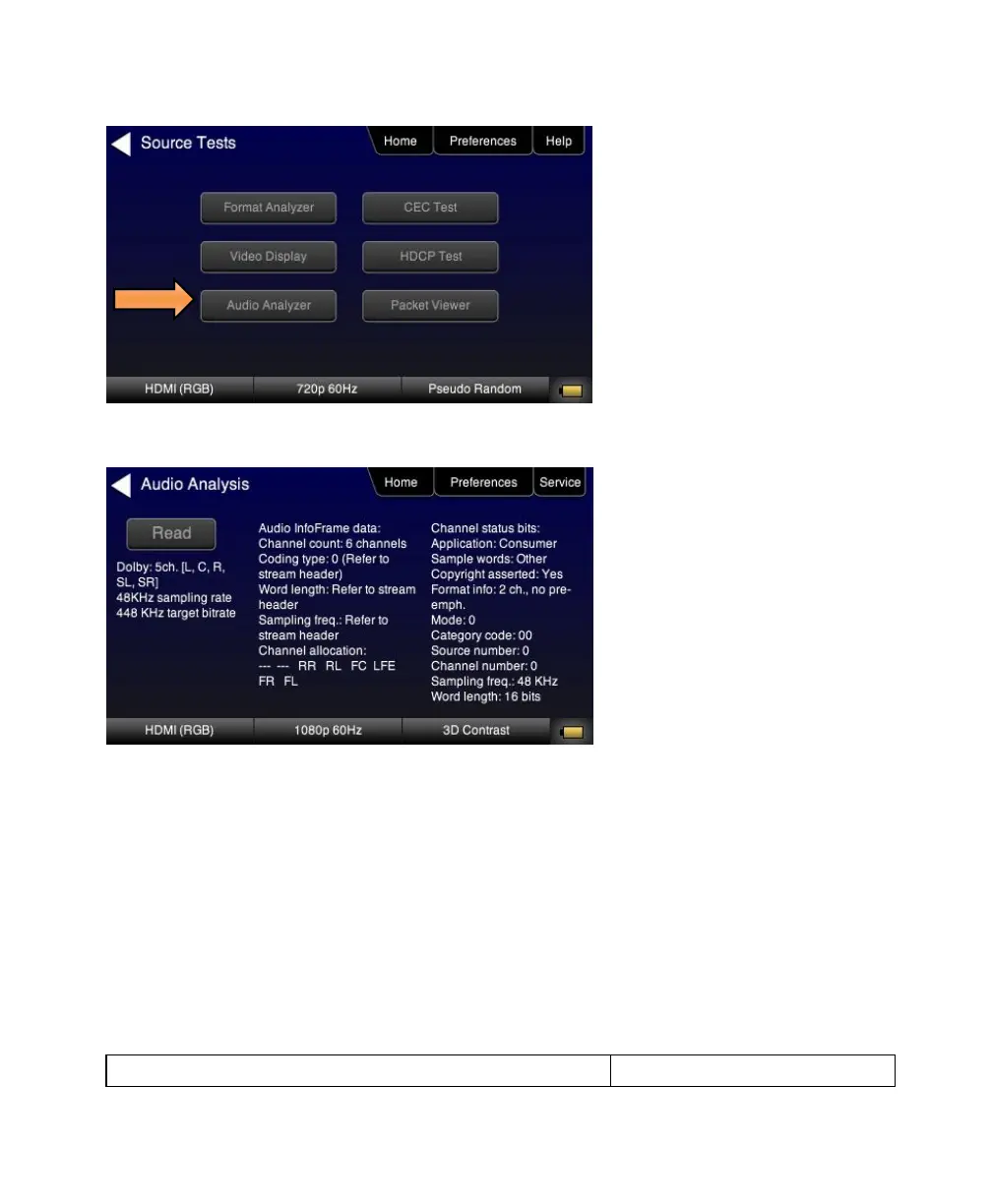
4. Touch select the Read activation button to initiate the test.
6.5 Testing an HDMI Source’s Response to an EDID
The 780 HDMI IN port emulates an HDMI sink device. Part of that emulation function is presenting an EDID to a source
when a sink device is powered and hot plug is asserted. The 780 is provisioned with a default EDID from the factory.
There are two standard EDIDs available with the 780 as provided: 1) Standard HDTV EDID, 2) Standard A/V Receiver
EDID.
However you can reprovision the EDID by connecting it to a sink device whose EDID you would like to use for testing.
The 780 can store multiple EDIDs. These EDIDs can be obtained either by extracting them from an HDMI sink device
(e.g. HDTV or AVR) or by importing EDID .xml files created using Quantum Data EDID Editor tools.
The EDID test of an HDMI source device enables you to see how a source device responds to a specific EDID or a
series of EDIDs. The EDID could be a known good EDID or an EDID you have chosen specifically for testing purposes.
6.5.1 Configurations for Testing an HDMI Source Devices Response to an EDID


 To Next Page
 Loading...

