780 Handheld Test Instrument Page 86
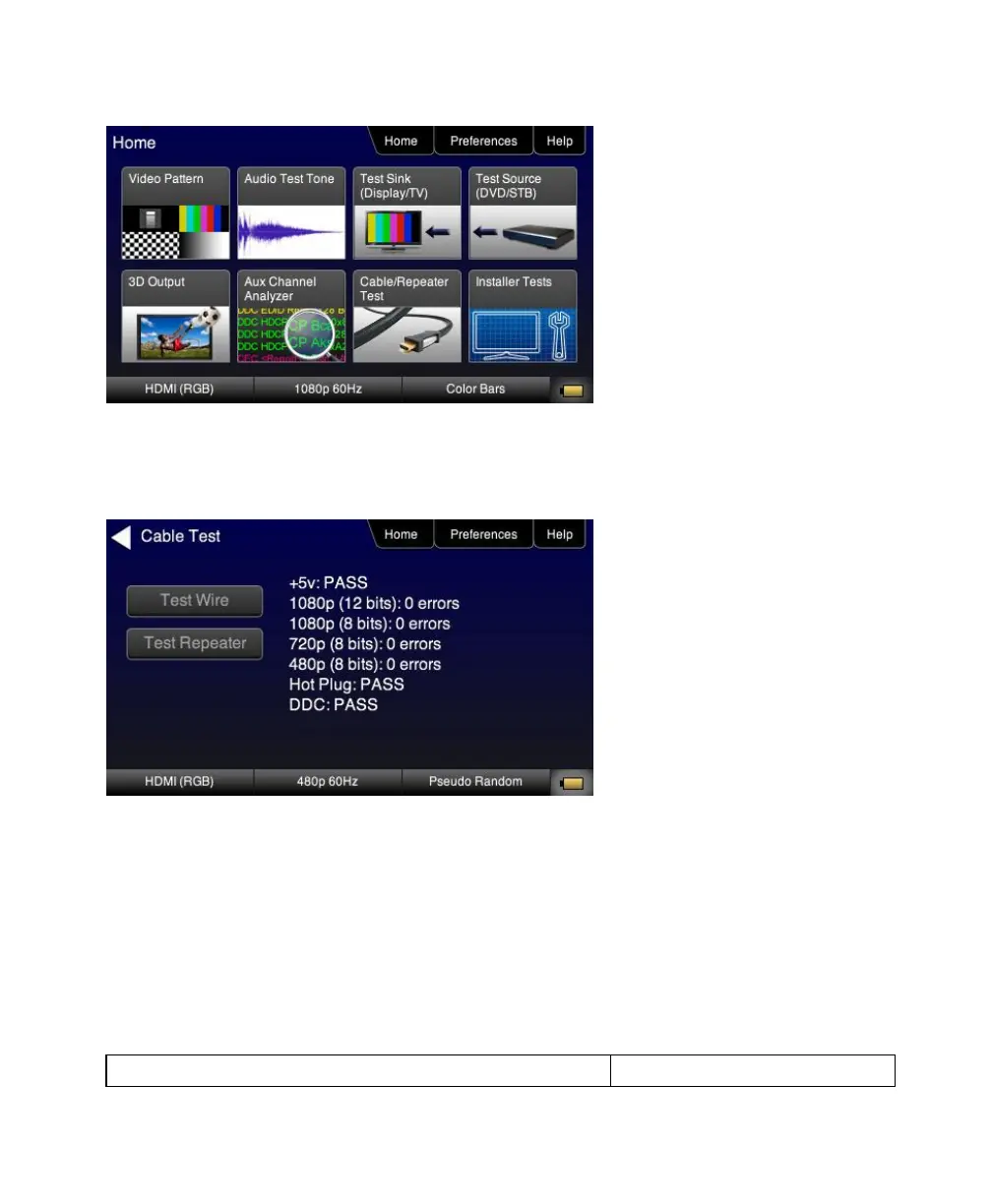
4. For testing an HDMI cable touch select Test Wire to initiate the test.
The pixel errors are displayed for each timing on the screen as shown below. The +5V, Hot Plug and DDC test
results are shown as Pass/Fail.
For testing an HDMI repeater device touch select Test Repeater to initiate the test.
When a repeater device is tested using the Test Repeater function, the hot plug pulse delay and the hot plug pulse with are
shown in addition to the information and results displayed for the Cable Test. In the Test Repeater function, the 780 initiates a hot
plug event on its sink (HDMI IN) port. The hot plug delay is the time that elapses between the falling edge of the hot plug line on
the on the sink side of a repeater and the falling edge of the hot plug line on the source side. The hot plug pulse width is the time
that the hot plug pulse goes low as detected on the HDMI OUT side.



 To Next Page