22
Auxillary (Aux) Menu
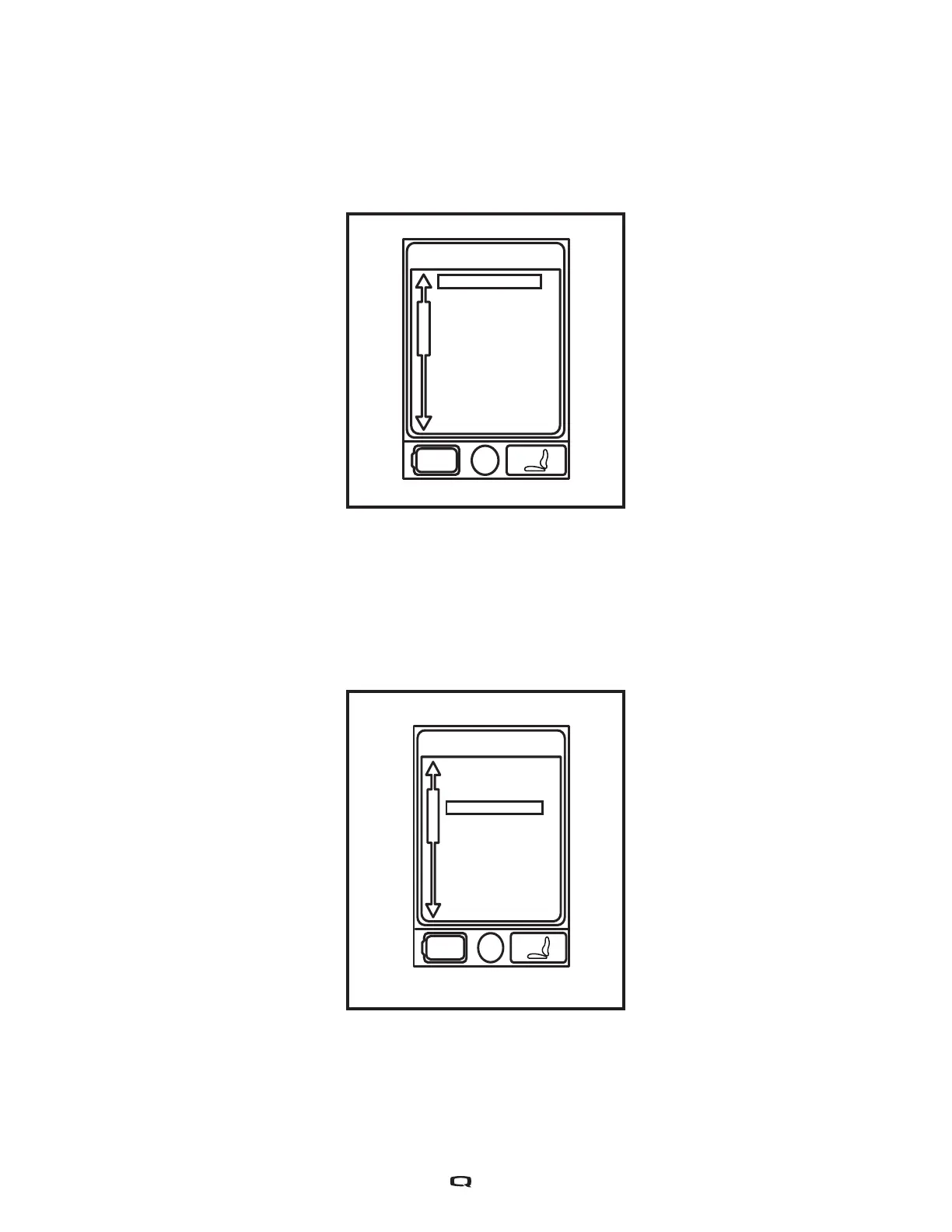
The Aux Menu screen displays the auxillary operations that are available when operating in the Aux
profile. In a standard basic system with only a hand control and a power module, typically there is no
Aux profile. In more complex systems, an Aux profile provides access to the operations made possible
by the additional modules. Contact your Quantum Rehab Provider for more information.
Quick Access List
Aux Modes
System
Aux Menu
Drive 1
Drive 2
Drive 3
Seat
Aux Menu
Standby Select
Figure 7. Aux Menu Screen
Figure 8. Standby Select Menu Screen
Standyby Select Menu
The Standby Select Manu screen appears after the programmed timeout when Standby Select is
enabled. Standby Select allows the user to navigate through the available profiles without the use of a
Mode Key. The profile that was active when the timeout occurred is highlighted. Contact your Quantum
Rehab Provider for more information.


 To Next Page