EasyManua.ls Logo

QUATIUS XCDCC1BK - User Manual

Default Icon
11 pages
Print Icon
To Next Page IconTo Next Page
Loading...
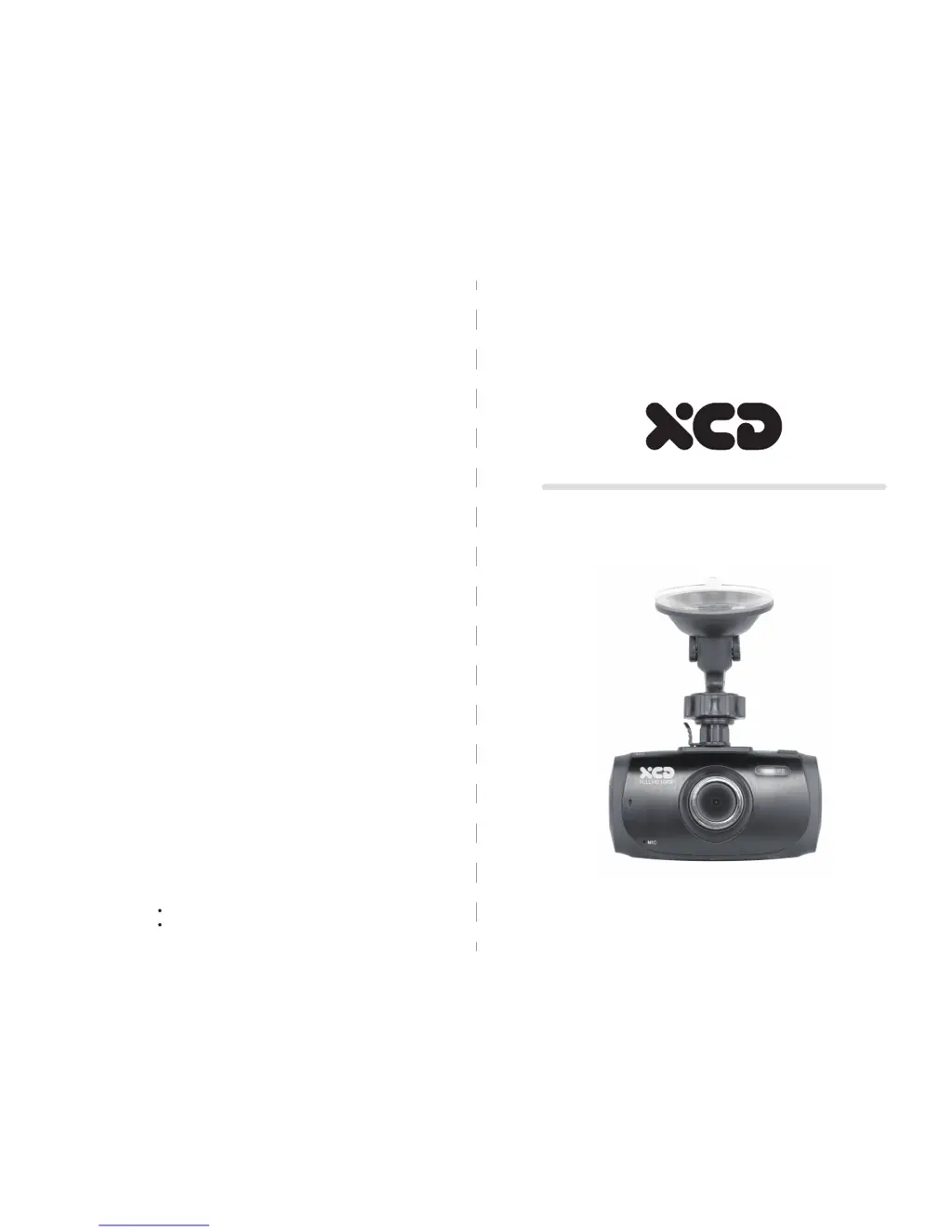
XCDCC1BK
Dash Camera
HOTLINE
AUSTRALIA :1300765 663
NEW ZEALAND:0800 100 236

Questions and Answers

  • J
    Jennifer WalkerAug 2, 2025
    Why does my QUATIUS Dash Camera automatically stop when recording?
    • T
      Tyler MathisAug 2, 2025
      To resolve the issue of your QUATIUS Dash Camera automatically stopping during recording, use a compatible high-speed TF card above class 6.
  • T
    timothy32Aug 10, 2025
    What to do if QUATIUS Dash Cameras replay files error?
    • A
      Andrea ValentineAug 10, 2025
      If you encounter file errors when replaying photos and videos on your QUATIUS Dash Camera, it's likely due to a TF card storage error. Use the formatting function to format your TF card.
  • M
    Manuel MartinAug 17, 2025
    Why are there cross stripe interference in images of my QUATIUS Dash Camera?
    • U
      ujuarezAug 17, 2025
      Cross stripe interference in images on your QUATIUS Dash Camera is due to the wrong light frequency setting. Please set the frequency to 50HZ or 60HZ according to your local power supply frequency.
  • J
    Jennifer BrownAug 25, 2025
    How to fix QUATIUS Dash Camera that can't take photo or record?
    • A
      Aaron HaynesAug 26, 2025
      To fix a QUATIUS Dash Camera that can’t take photos or record, check if the TF card has enough space or is locked.

Summary

SAFETY INFORMATION

PACKAGE CONTENTS

OVERVIEW

INSTALLATION

INSERT A MICRO SD CARD

BASIC OPERATIONS

VIDEO (RECORDING) MODE

Video Settings

Settings for video recording, including resolution, loop length, exposure, and motion detection.

STILL (PICTURES SHOOTING) MODE

Photo Settings

Settings for still image capture, such as resolution, quality, sharpness, and white balance.

PLAYBACK MODE

Playback Settings

Options to delete or protect recorded videos and photos stored on the memory card.

FUNCTIONS INSTRUCTION

G-Sensor

Manages impact detection and automatic file locking during emergency events.

Motion Detection

Activates recording when visible movement is detected in the camera's vicinity.

DEVICE SETTINGS

Park Mode

Enables recording triggered by detected movements while the vehicle is parked.

Date; Time Set

Allows setting the current date and time for video timestamps and file organization.

Format

Options to format the memory card, erasing all stored photos and videos.

COMPUTER CONNECTION

HDMI CONNECTION

TROUBLESHOOTING

SPECIFICATION

QUATIUS XCDCC1BK Specifications

General IconGeneral
Loop RecordingYes
G-SensorYes
DisplayLCD
Night VisionYes
StorageMicroSD card
Viewing Angle120 Degrees
Power Source12V car adapter