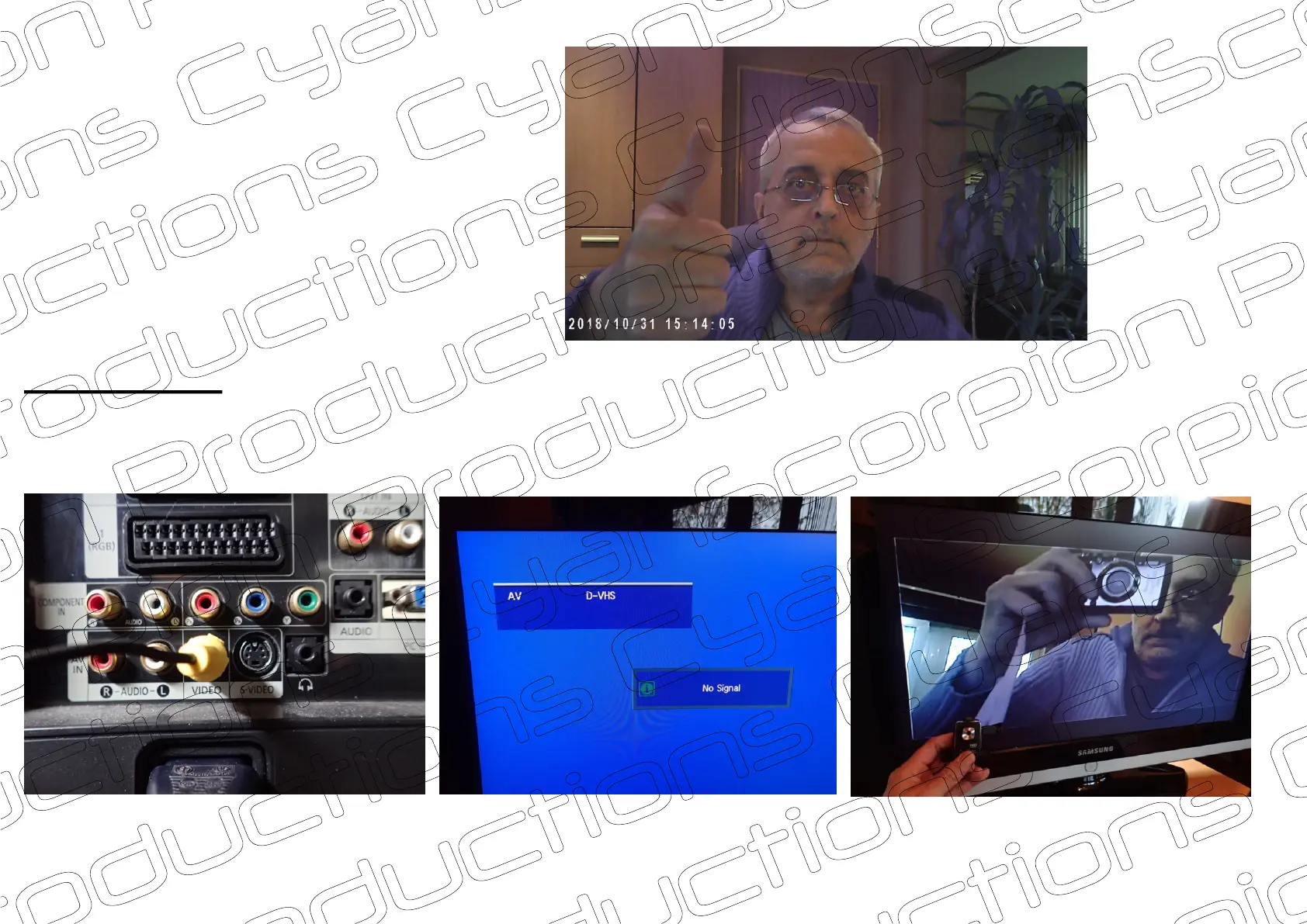
Sample of a captured image
in Debut software
www.cyanscorpion.com
TV connection
If you like, you can use your camera as a surveillance camera. You can connect the camera directly to your TV's AV input.
using the provided cable. On the TV, select AV as your input .Now turn on your camera and an image in 720p is displayed .
Note : you can only display a live image.
(A)
(B) (C)
It is not possible to playback recorded files on TV.
(A)
(B)
(C)
If you want to use your camera as a surveillance camera, I also recommend connecting an external power source.
7/7


 To Previous Page