7
·Place the mounting plate on the desired installation
Iocation and mark where the holes should be drilled.
·Drill two holes with adiameter of 5 millimetres.
·Push the plastic plugs into the holes.
·Remove the fixing plug from the mountingplate (if
necessary, use a screw driver for this).
·Insert the screws into the mounting plate, and tighten
them firmly into the plugs.
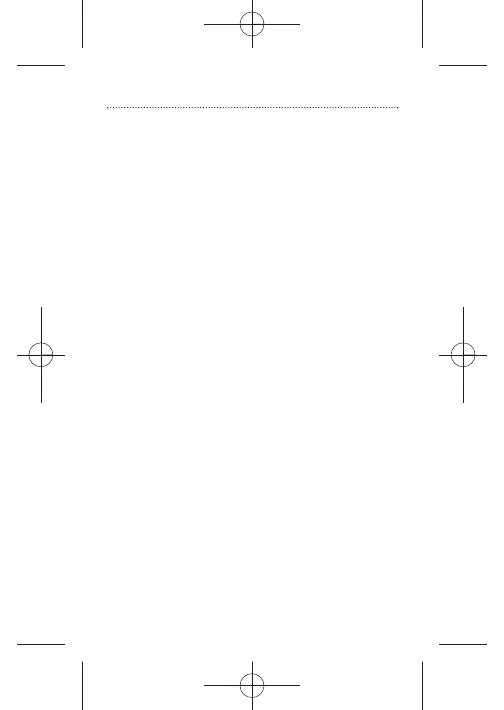
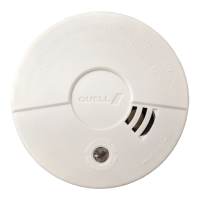
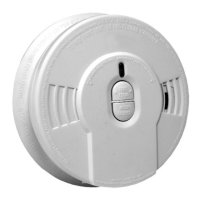
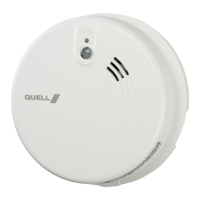
·Place the smoke alarm on the mounting bracket and
secure it by turning it clockwise.
·Test the correct operation of your smoke alarm by
pressing the test button. If no sound is generated, the
smoke alarm is not functioning properly and should not
beused!
WARNING:
To prevent injury, this unit must be securely attached to
the ceiling in accordance with the installation instructions.
Installation
2



 To Next Page