12
Owner’s manual
EN
3. Placement
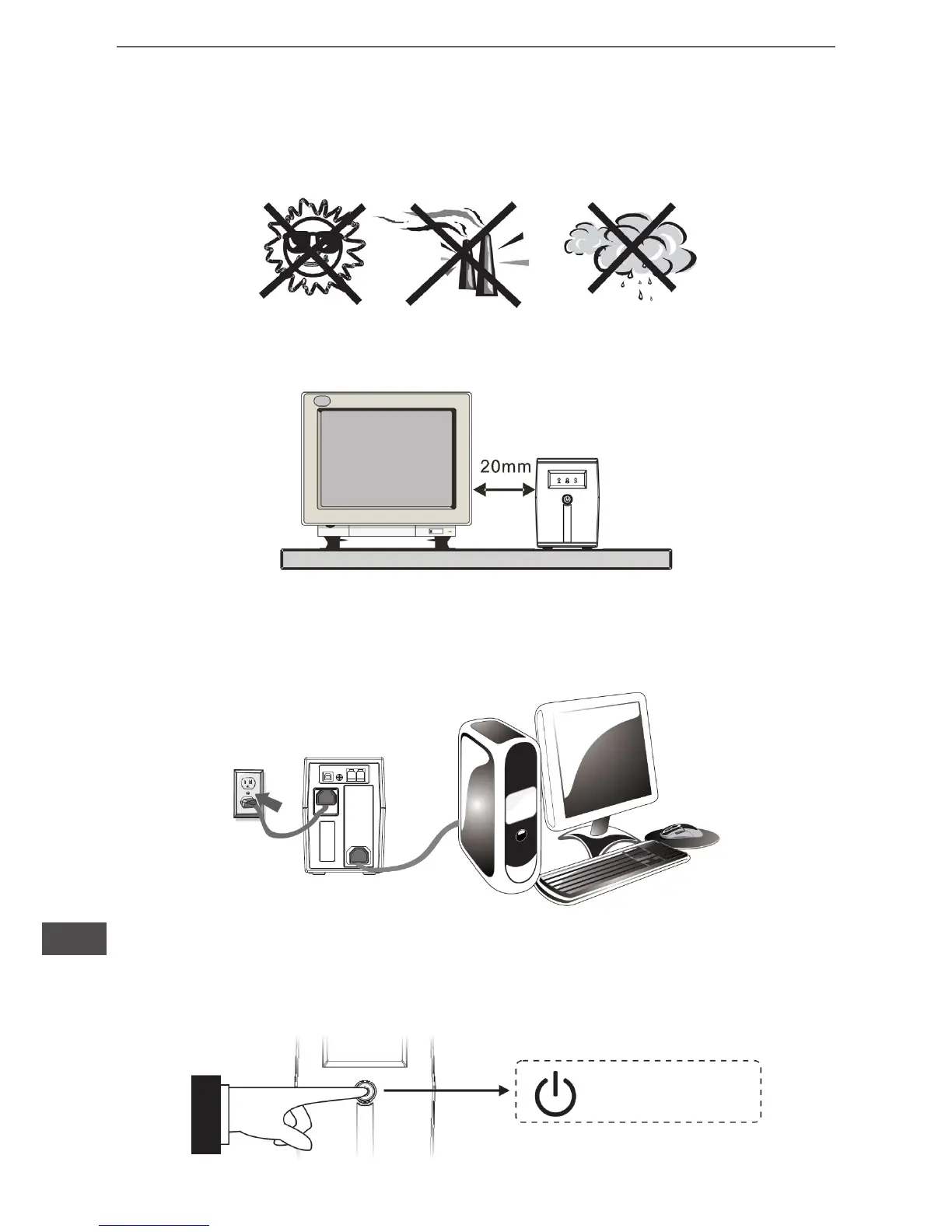
Install the UPS unit in any protected environment that provides adequate airow around
the unit, and is free from excessive dust, corrosive fumes and conductive contaminants.
Do not operate your UPS in an environment where the ambient temperature or humidity
is high.
On the other hand, place the UPS away from the monitor at least 20cm to avoid
interference.
4. Connection
Plug the UPS into a 2-pole, 3-wire grounded receptacle. Then connect one computer-
related device into each of the power receptacles supplied on the back of the UPS.
5. Turn On/Off
To turn on the UPS unit, press the power switch lightly. To turn off the UPS unit, press
the power switch again.
power switch


 To Next Page