Need help?
Do you have a question about the Quick QNC CHC and is the answer not in the manual?
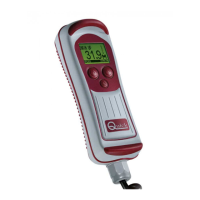
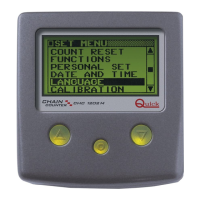
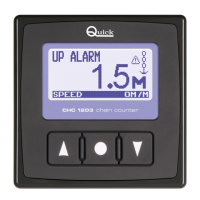
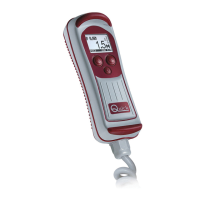
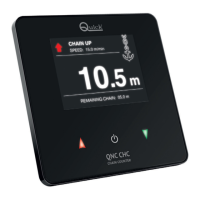
Lists key features of the QNC CHC chain counter, including display, interface, and functions.
Provides critical instructions and disclaimers before installation and use.
Outlines essential safety precautions for handling and operating the instrument.
Details all the components included in the QNC CHC chain counter package.
Provides an overview of the installation process for the QNC CHC.
Explains how to correctly install the magnet onto the windlass gypsy.
Details the procedure for installing the magnetic sensor onto the windlass base.
Outlines the general procedure for mounting the chain counter instrument.
Details the necessary electrical connections for powering and operating the instrument.
Illustrates the wiring diagram for connecting a single QNC CHC unit.
Explains how to connect multiple instruments using the CAN network.
Shows the wiring configuration for connecting two QNC CHC units together.
Lists and describes the various components used for the QNC CHC CAN bus network.
Provides a summary of the QNC CHC's main operational capabilities.
Explains the components of the QNC CHC's user interface: display, keys, and buzzer.
Guides through the initial power-up and language selection process.
Details the layout and information displayed on the main operating screen.
Describes how to lock and unlock the instrument's keys for safety.
Explains how to operate the windlass for raising and lowering the anchor.
Details the procedure to access the instrument's icon-based menu.
Introduces the structure and navigation of the instrument's main menu.
Provides a description of each icon available in the instrument's menu.
Explains the necessary preliminary data entry for proper instrument function.
Guides on how to select the preferred unit of measurement (meters, feet, fathoms).
Details the process for manually calibrating the chain counter.
Describes how to return to the main screen from the icon menu.
Explains how to activate the low power consumption Sleep Mode.
Details the procedure to measure the gypsy circumference for accurate readings.
Provides guidelines for maintaining and cleaning the instrument.
Contains detailed technical specifications and dimensional data for the instrument.
 General
| Brand | Quick |
|---|---|
| Model | QNC CHC |
| Category | Cash Counter |
| Language | English |

 To Next Page