Need help?
Do you have a question about the Quick TCD 1022 D and is the answer not in the manual?
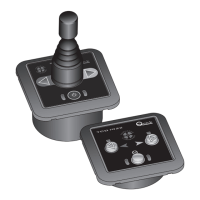
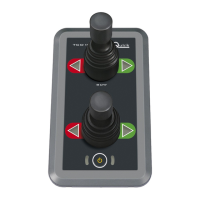
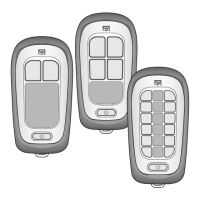
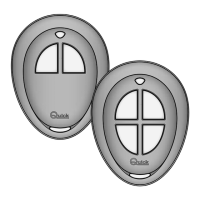
Describes the features and advantages of the TCD series remote controls for thrusters.
Details the procedure and recommendations for installing the control panel on a boat.
Explains the electrical wiring requirements and provides a diagram for connecting the control panel.
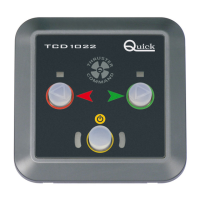
Describes the user interface and functions of the TCD 1022 control panel.
Describes the user interface and functions of the TCD 1042 control panel.
Explains how to activate the remote control system by pressing the enablement button.
Details the process of activating the bow or stern thrusters using the control panel.
Describes how to use bow and stern thrusters together for advanced boat maneuvering.
Covers the conditions and procedures for disabling the control panel automatically or manually.
Explains the installation and operation of multiple control panels connected in parallel.
Describes how to disable or re-enable the acoustic signals emitted by the control.
Describes how the control panel signals system errors upon startup, including checksum errors.
Lists and explains system problems that resolve automatically once the cause is removed.
Lists and explains system problems that require manual intervention to reset.
Provides guidance on annual checks and cleaning for optimal performance of the control panel.
Presents detailed specifications for the TCD 1022 and TCD 1042 models.
Displays the physical dimensions of the TCD 1022 control panel with measurements.
Displays the physical dimensions of the TCD 1042 control panel with measurements.
 General
| Brand | Quick |
|---|---|
| Model | TCD 1022 D |
| Category | Remote Control |
| Language | English |

 To Next Page