3.3 Oil Reset
1). Turn the ignition off.
2). Locate the vehicle's 16-pin Data Link Connector(DLC).
3). Plug into the scan tool cable connector to the vehicle's DLC.
4). Turn the ignition on. But do not start the engine.
5). Press the
Y
button. The Main Menu will be observed on the display.
6). Use the
UP/DOWN
scroll buttons to select
Oil Reset
from the menu,
Press the
Y
button,accept the option and to move to the next screen.
7). Do the following to select menu options:
a). Use the
UP/DOWN
scroll buttons to move the cursor ( ) and select an
option.
b). Press the
Y
button to accept the option and to move to the next screen
c). Repeat a) and b) to select the necessary options.
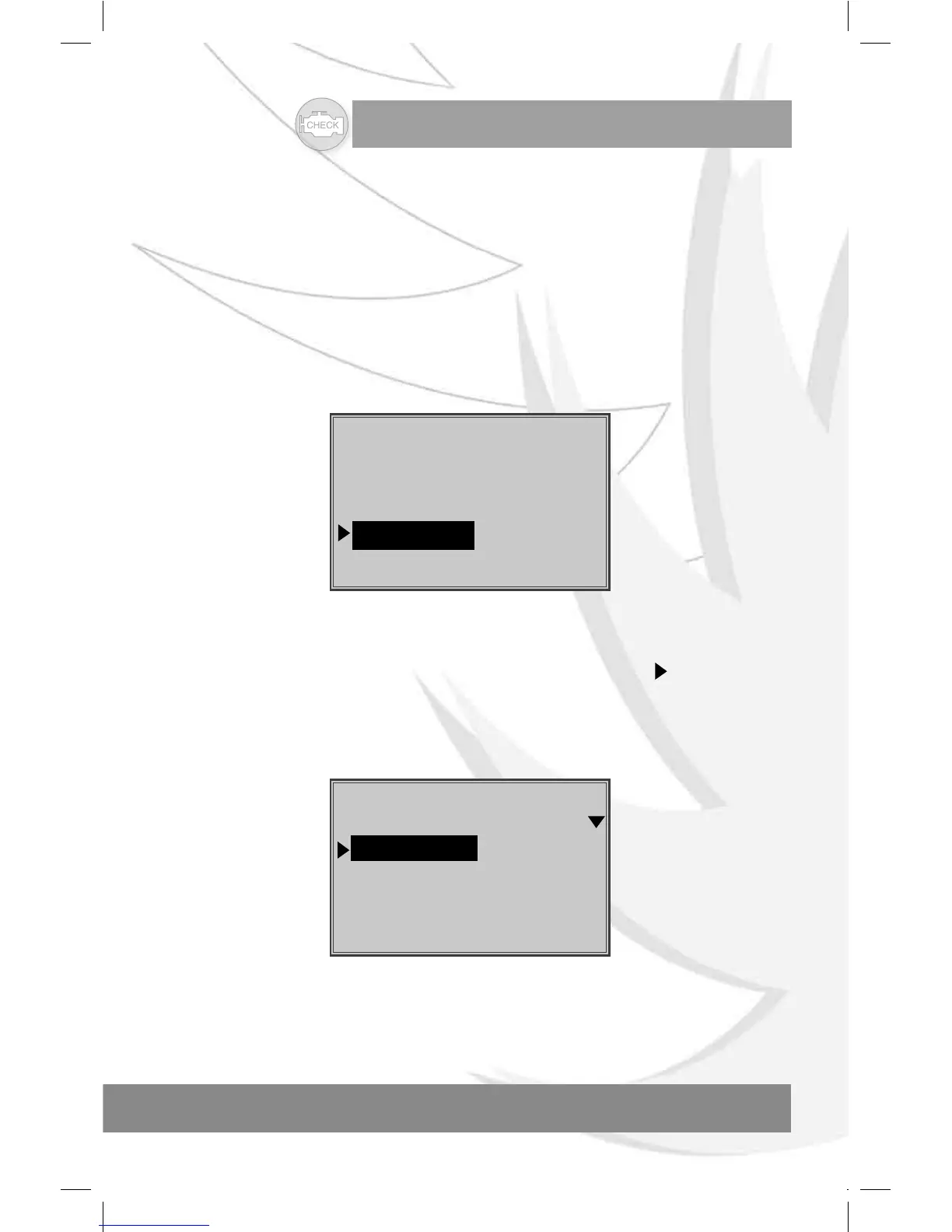
Main Menu
====================
1) VW/AUDI
2) OBDII/EOBD
3) Oil Reset
4) System Setup
Vehicle Make
======================
1) VW/AUDI
2) AUDI
3) SEAT
4) SKODA
8). Follow any on-screen instructions. Optionally, use the
N
button to return to
previous screens .


 To Next Page