Installing your Lightcloud Blue Device
2
Turn off Power
OFF
OFF
WARNING
• Place the wall switch in the off position
If the XDIM dimmer is currently installed, it can be converted
to a XDIM/LCB dimmer, no rewiring required.
3
Remove Existing Switch
Remove Existing Switch
Replacing the XDIM dimmer Control
Component
• Remove existing wall panel and switch mounting screws.
• Carefully pull switch from wall box, identify and remove
the wires attached to the switch, then remove the switch.
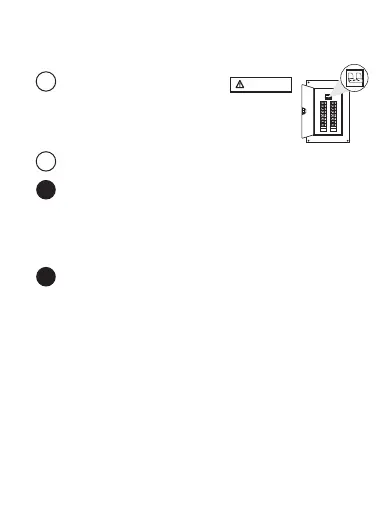
• Turn off the main power at the breaker
panel or remove the fuse from the fuse box
3a
3b
• Remove the face plate to access the Power Cutoff Switch.
• Pull the Power Cutoff Switch out and remove the XDIM
Control Component.
• Replace it with the Operation Paddle Assembly for the
XDIM/LCB.
• Push in the Power Cutoff Switch.
• Skip to Controlling your Lightcloud Blue Device to continue.


 To Next Page