Setting Device to Pairing Mode
To restore your Lightcloud Blue Dimmer to factory settings,
use the following methods.
Method 2: Reset Switch
Method 1: Delete from App
Open the app and access the device settings for the paired
device. Be sure that the dimmer is online and select
"Delete from Site".
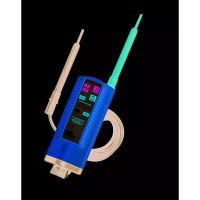
Press and hold the Reset Button until the Status Indicator light
blinks red (the dimmer is waiting to pair with network).


 To Next Page