Racelogic Ltd PerformanceTools Software
02/05/2014 Page 58
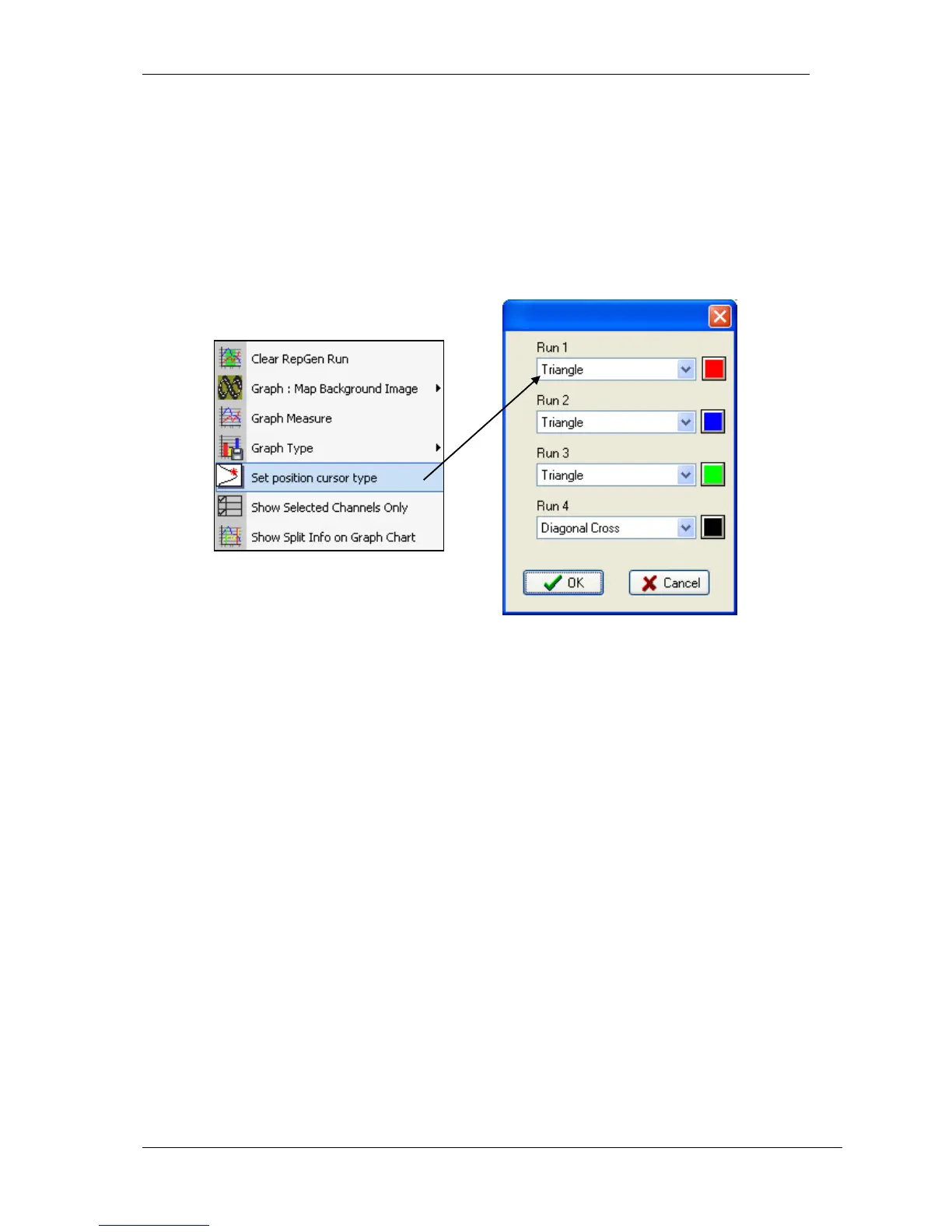
Set Position Cursor Type
The cursors themselves are configurable: right click on any of the main windows (Graph,
Data or Map) to bring up the context menu (or click on the Graph Setup button on the
Toolbar.) Select ‘Set Position Cursor Type’ and choose the style and colour required for each
cursor. Each run can now display a different shape and colour of position cursor.


 To Next Page