Mode Function
Predictive Lap Timing
Pressing for >4 s clears the stored reference lap and all
lap timing data
Lap Timing Set a new start/finish line
Lap Count No action
Lateral G Reset max g reached
Lateral G Bar Set min g and max g (targets)
Longitudinal G Reset max g reached
Longitudinal G Bar Set min g and max g (targets)
Menu Access the Menu
No Media
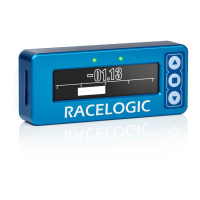
If you do not have an SD card inserted in your VBOX LapTimer, it will show a "No Media" message while the vehicle
is moving at speeds of 5 mph or less. This makes it easier for you to make sure that you have an SD card inserted
before you start your logging.
https://en.racelogic.support//Product_Info/Lap_Timing_and_Pit_Timing/VBOX_LapTimer/
User_Guide_%E2%80%93_VBOX_LapTimer/01_Getting_Started_%E2%80%93_VBOX_LapTimer
5


 To Next Page