3
4. OPERATION
4.1 Power on/Power off
Turn “Power” knob clockwise to turn on the radio. Turn it with anti-clockwise to turn off the radio.
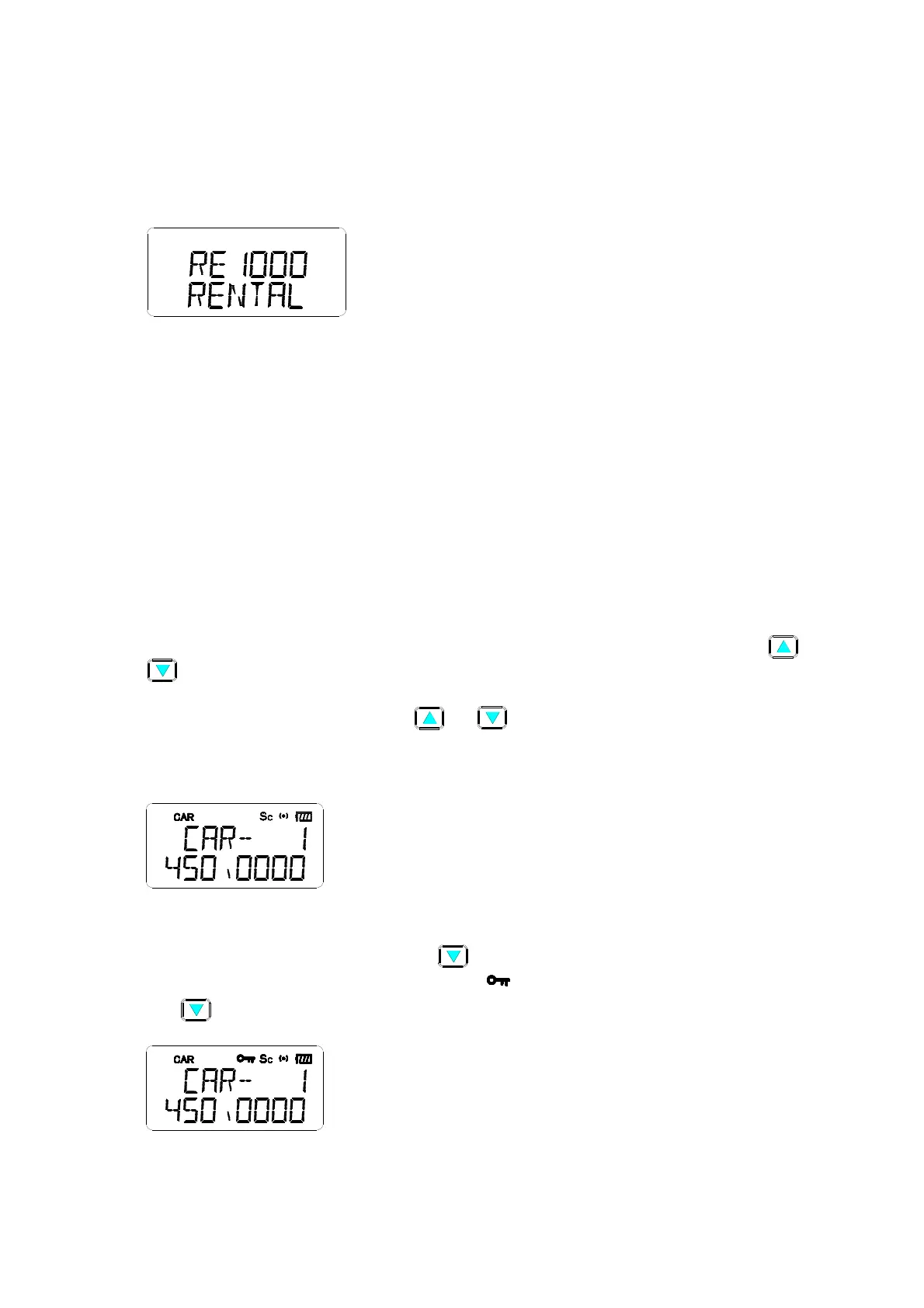
The “click” sound to indicate the power 0n/Off. The LCD will indicate “RE 1000 RENTAL (see Figure
(1), could be changed by PC program).
(1)
4.2 Volume Alignment
Press & hold “SQ” button, set the SQ off & speaker has the background noise on, tune the volume
knob clockwise to increase speaker level. Tune the volume knob anti-clockwise to decrease
speaker level.
FCC Caution:
Any Changes or modifications not expressly approved by the party responsible for compliance
could void the user’s authority to operate the equipment.
This device complies with part 15 of the FCC Rules. Operation is subject to the following two
conditions: (1) This device may not cause harmful interference, and (2) this device must accept any
interference received, including interference that may cause undesired operation.
4.3 CAR channel Select
Press “Digit” + “Enter” buttons to the desired CAR channel, (1~ 200 car channels), Press “ “or
“ “ button to choose the previous or next CAR channel. ---Press and hold “F” button can check
frequency (see LCD indicator Figure (2)). LCD shows the driver name of the car channel if it has
been programmed. When pressing the “ “or “ “button, radio will skip the car channel that is
not programmed. Typing the CAR channel number, the frequency will flash, then press “Enter” to
store this setting. Pressing “F” + “CAR” , users could set PL/DPL for each CAR channel.
(2)
4.4 Key-lock
Press and hold the “F” button, then press “ ” button to the Key-lock function on, press again to
quit this function. When key lock is on, the icon “
” will on, it will disable all the buttons except
“F” , “ “ & “SQ”.(See LCD indicator in Figure (3) )
(3)
4.5 CAR channel Scanning function


 To Next Page