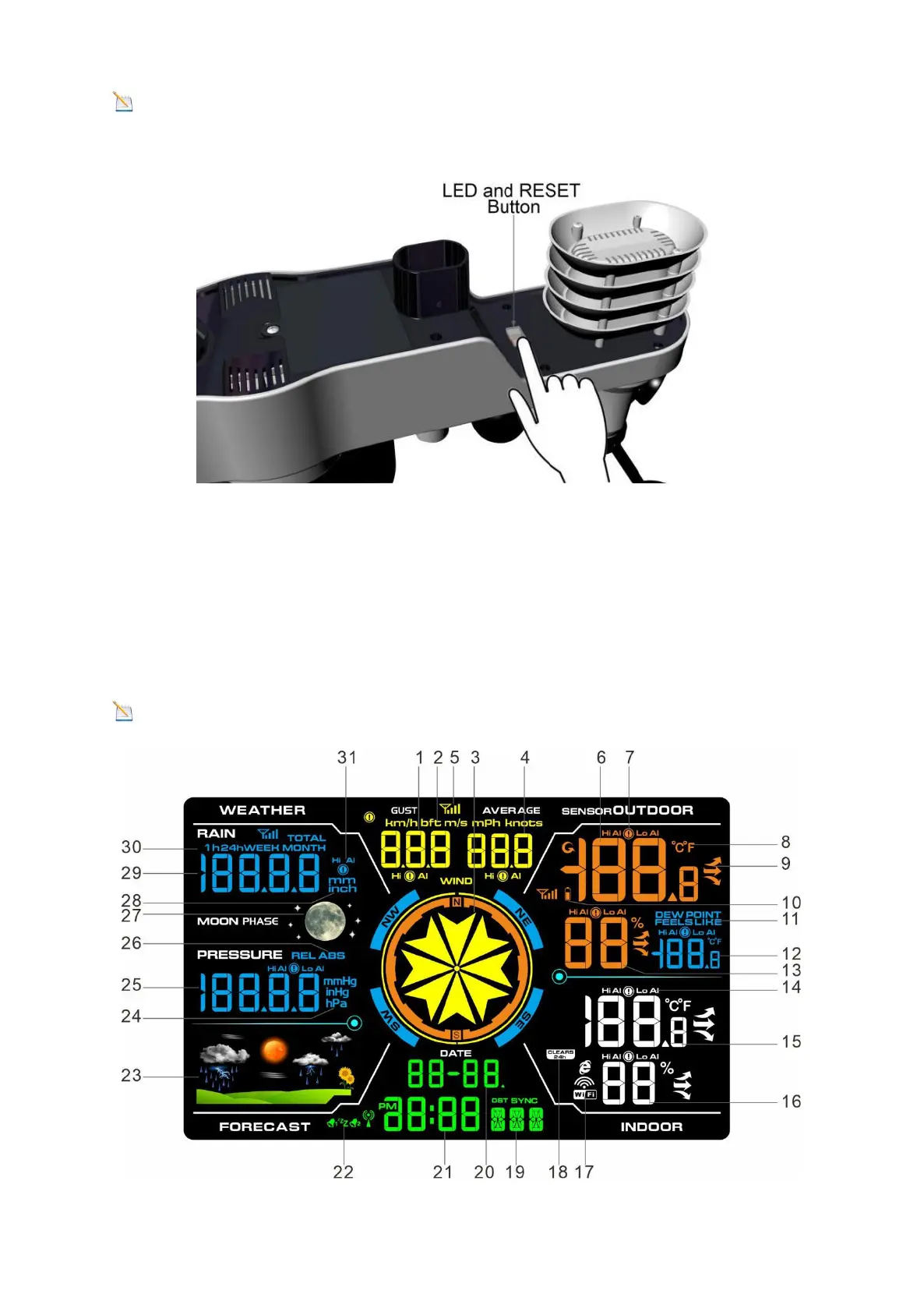
Note: If the sensor does not power up after install the batteries, press the reset
button at the bottom of sensor.
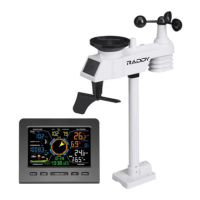
3.4 Display Console
3.4.1 Layout of Display Console
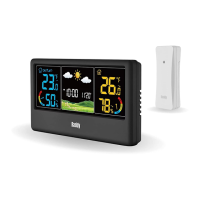
The display console will instantly display Temperature, Humidity, Pressure,
Tendency, Moon phases, and Time, Wind speed, Wind gust, Wind direction, Rain.
Note: The character contrast is best from a slightly elevated viewing angle.


 To Next Page