1. Introduction
Thank you for your purchase of the Raddy WF-100C Lite Professional WIFI Wireless
Weather station. The following user guide provides step-by-step instructions for
installation, operation and troubleshooting.
2. Warnings
Warning: Metal objects, such as your weather station mounting pole, may attract
a lightning strike. DO NOT install the weather station in a storm. If you plan to set up
the outdoor transmitter on your roof, please assemble the lightning rod.
Warning: Install your weather station in a high location may result in injury or
death. Perform as much of the initial check out and operation.
3. Getting Started
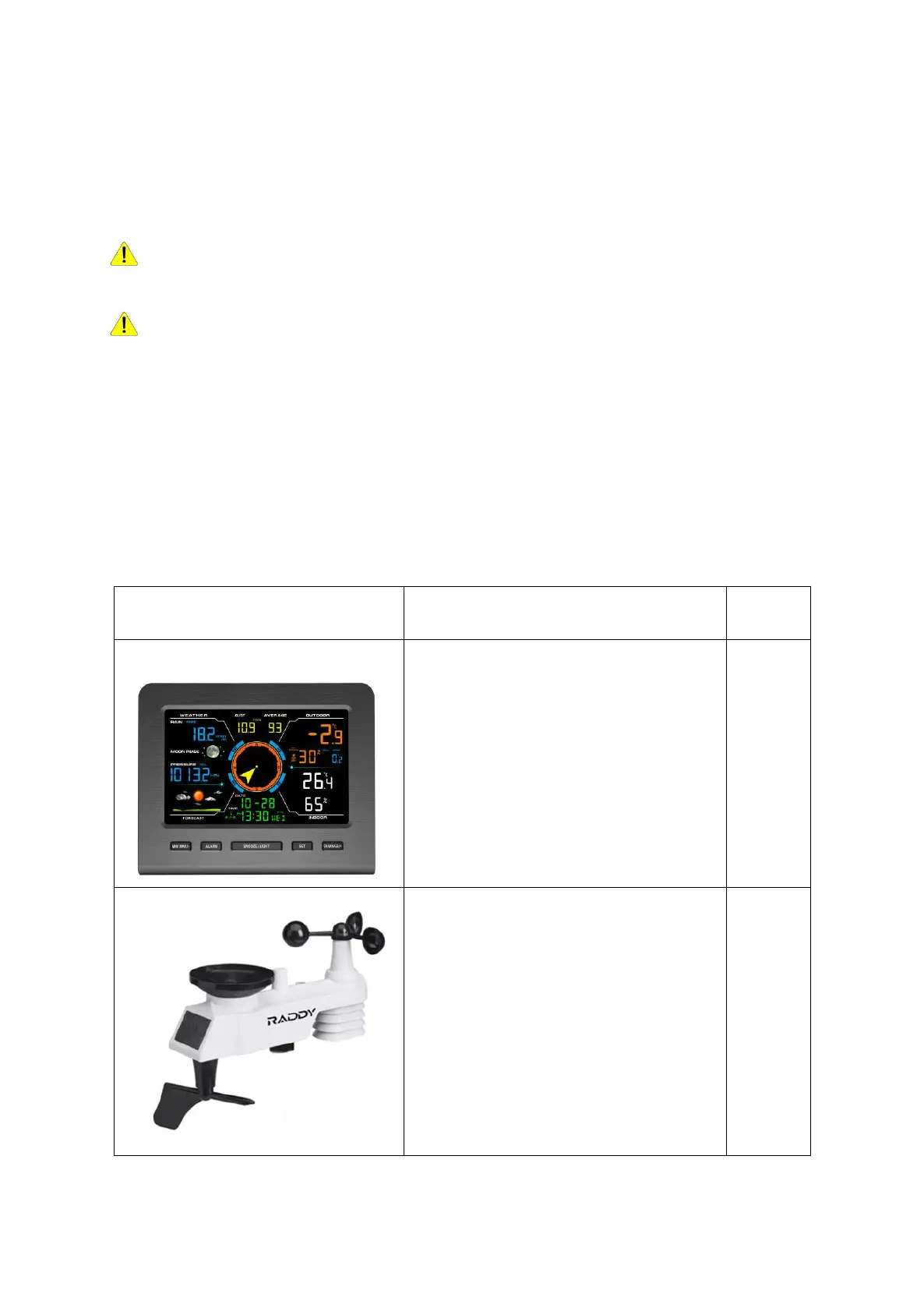
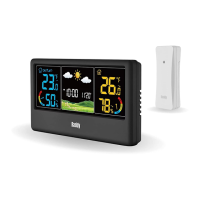
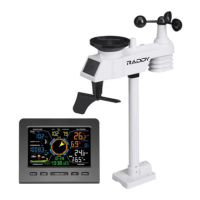
The WF-100C Lite weather station consists of one Display console, one Integrated
Outdoor Sensor, and some mounting hardware.
3.1 Parts List
The WF-100C Lite weather station consists of the following parts.
Display Console
Frame Dimensions (L x W x H):
6.4" x 0.7" x 5.3"
LCD Dimensions (L x W):
5.0" x 3.1"
Integrated Outdoor Sensor
Dimensions (L x W x H)
:
11.8” x 5.9” x 11”


 To Next Page