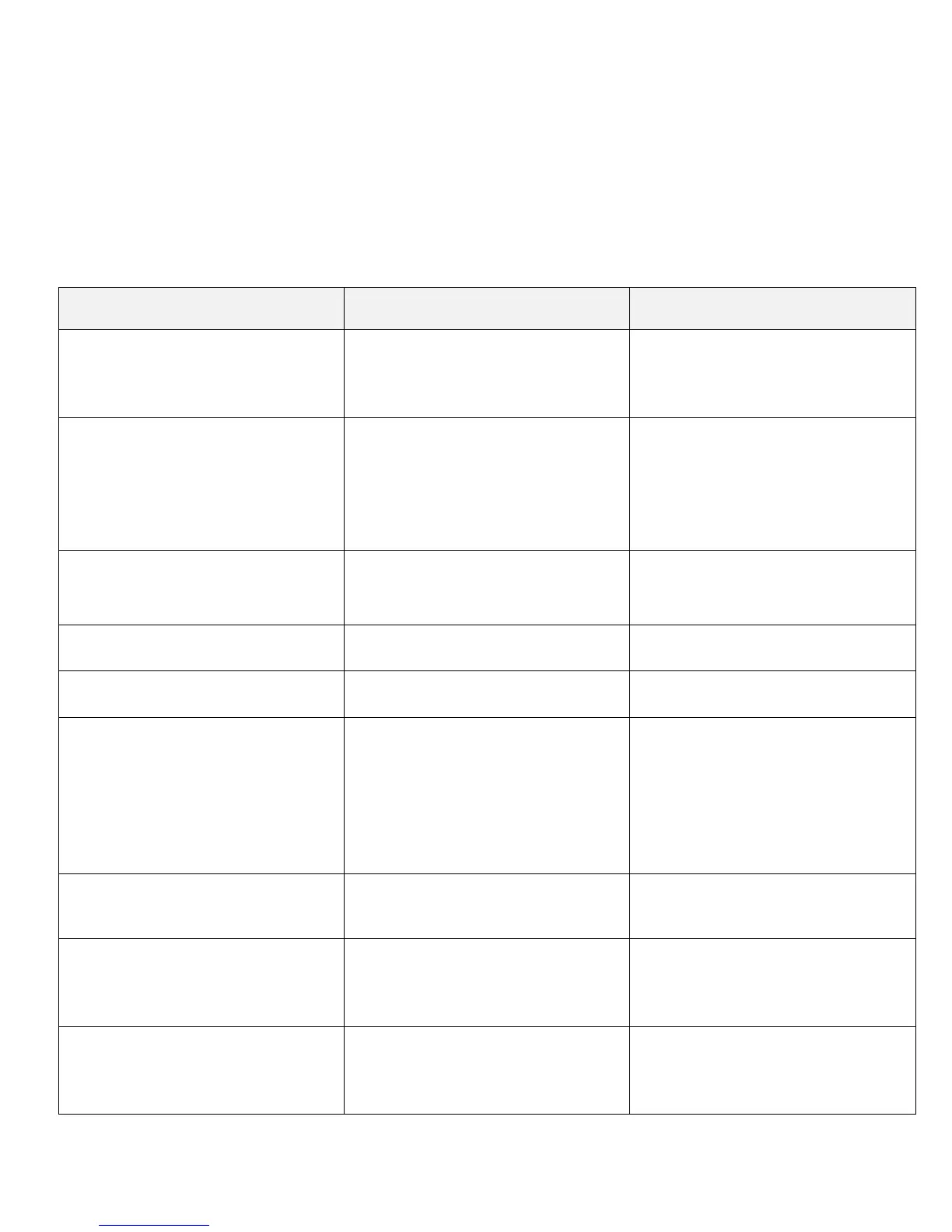
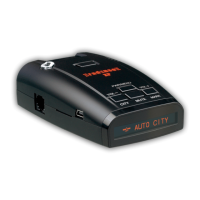
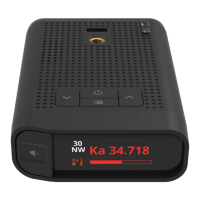
Menu and User Selectable Features
Press left button to enter Menu Mode.
Press left button again to go from one menu option to the next.
Press VOLUME + or – button (on the right side of detector) to change your setting within the category.
To save the changed selection simply wait a few seconds without pressing any button. The unit will display
“Setting Completed” to confirm your selection. Alternatively, you can leave the menu and save the setting by
tapping the right button.
The following selectable features are vailable:
Selectable Feature Description Setting
Setting Mode Select driving Mode
Highway
City
AutoCity (see next page)
Display Mode:
Select what the display
should show
Speed/Time
Speed/Voltage
Battery Voltage
Time, Speed
Speed/Compass
Unit: Select the unit of speed
English
Metric
Display Select alert display
Auto Mute
If activated alert volume will
be muted after 2 seconds
Minimum speed sensing radar Select speed
Off
10 mph
20 mph
30 mph
.
70 mph
X Band Activate/deactivate X Band
On
Off
K Band Activate/deactivate K Band
Wide
Narrow
Off
K TS Rej.
Choose between Low and
High Filter option
TSR LOW
TSR HIGH
Off
Page 6


 To Next Page