EasyManua.ls Logo

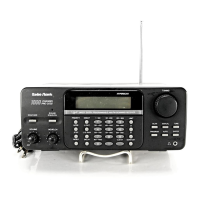
Radio Shack Pro-2045 - User Manual

Radio Shack Pro-2045
44 pages
Print Icon
To Next Page IconTo Next Page
Loading...
Cat. No.
20-418
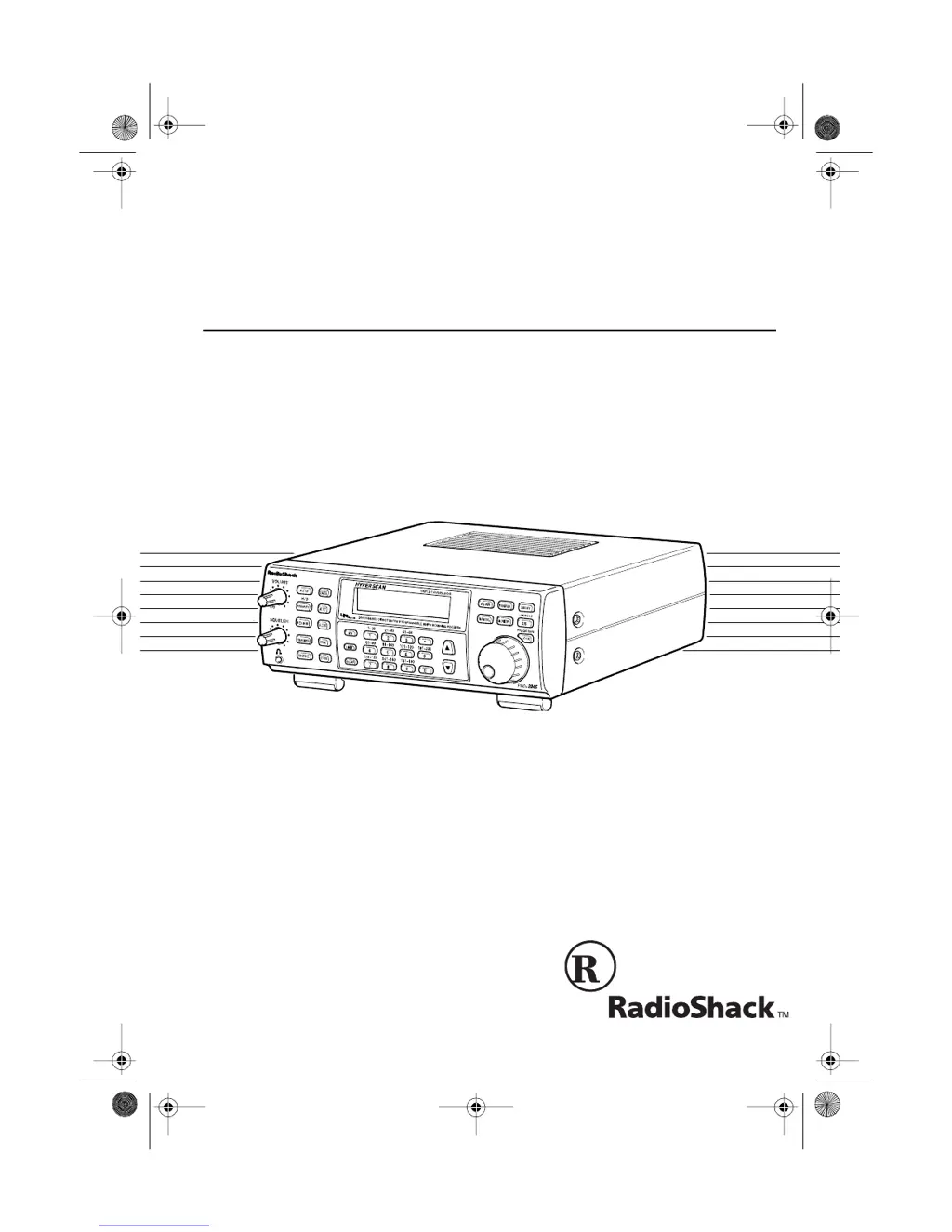
OWNER’S MANUAL
PRO-2045
200-Channel Weather Alert Home Scanner
Please read before using this equipment.
20-418.fm Page 1 Wednesday, August 4, 1999 12:42 PM

Table of Contents

Questions and Answers

  • A
    Alexis WhiteAug 1, 2025
    What to do if my Radio Shack Radio scanner is on but not scanning?
    • S
      Sarah BurgessAug 1, 2025
      If your Radio Shack Radio scanner is on but not scanning, it might be due to an incorrectly adjusted SQUELCH or a manually selected channel. Try adjusting the SQUELCH clockwise. If that doesn't work, press the SCAN button.
  • J
    Jessica Gray DVMAug 7, 2025
    How to fix a totally inoperative Radio Shack Pro-2045 scanner?
    • C
      Claudia GarciaAug 7, 2025
      If your Radio Shack Radio scanner is totally inoperative, the issue is likely due to a lack of power. Ensure that the scanner is properly plugged into a working AC or DC outlet.
  • R
    richardmartinAug 15, 2025
    Why does my Radio Shack Pro-2045 Radio scanner lock on frequencies with unclear transmissions?
    • T
      Tamara GriffinAug 15, 2025
      The Radio Shack Radio scanner might be locking onto frequencies with unclear transmissions, also known as “Birdies.” To resolve this, avoid programming the frequencies listed under “Birdie Frequencies” or only listen to them manually.
  • S
    Stephen VincentAug 23, 2025
    What to do if the rotary tuner on my Radio Shack Radio doesn't work?
    • E
      Eric LyonsAug 23, 2025
      If the rotary tuner on your Radio Shack Radio isn't working, it's possible that the rotary lock is turned on. Press the LOCK button until FREQ or CHAN appears on the display.

Summary

Scanner Features Overview

WX Alert Function

Warns of severe weather conditions by sounding an alert tone.

Hyperscan and Hypersearch

High-speed scanning and searching capabilities.

Preparation: Power Connection

Connecting AC Power

Steps for powering via standard AC outlet.

Connecting Vehicle Power

Steps for powering via vehicle DC outlet.

Antenna Connection Procedures

Weather Alert Operation Testing

Testing Alert Reception

Verifying scanner's ability to receive alerts.

Weather Alert Testing and Safe Listening

CTCSS Tone Board Installation and Safety

Installing CTCSS Tone Board

Step-by-step guide for hardware installation.

Scanner Keyboard Layout and Functions

Keyboard Layout Overview

Identification of all scanner buttons.

Key Function Descriptions

Detailed explanation of each button's purpose.

Scanner Display Indicators Explained

Display Indicators Overview

Meanings of symbols and modes on display.

Key Display Element Meanings

Specific details on display icons.

Channel Storage and Monitor Memories

Channel-Storage Banks Explained

How channels are organized into banks.

Scanner Operation Basics

Powering On and Setting Audio

Initial setup of volume and squelch.

Storing Frequencies Manually

Step-by-step process for saving frequencies.

Searching and Storing Frequencies

Limit Search Procedure

How to search within a frequency range.

Direct Search Procedure

How to search from a specific starting point.

Advanced Search Operations

Automatically Storing Frequencies

Auto Store Process

Step-by-step guide for automatic storage.

Channel Scanning and Memory Management

Channel Lock-Out and Manual Selection

Weather Band and Alert Features

Scanning the Weather Band

How to listen to weather broadcasts.

Weather Alert Function

How the scanner warns of emergency signals.

Special Features: Delay and Priority

Delay Feature

Programming a 2-second delay for replies.

Priority Feature

Monitoring specific channels more frequently.

Search Speed and Attenuator Settings

Frequency Transfer Operations

Count Feature and CTCSS Usage

CTCSS Tone Configuration

Troubleshooting Common Issues

Scanner Inoperative or Not Scanning

Solutions for power and scanning problems.

Unclear Transmissions and Tuner Issues

Addressing static and tuner lock problems.

Care and Maintenance Guidelines

Scanner Specifications Overview

Frequency Coverage and Steps

Technical details of reception ranges.

Sensitivity and Speed Specs

Performance metrics for scanning/search.

Technical Specifications Details

Radio Shack Pro-2045 Specifications

General IconGeneral
BrandRadio Shack
ModelPro-2045
CategoryRadio
LanguageEnglish

Related product manuals