OPERATION
- 13 -
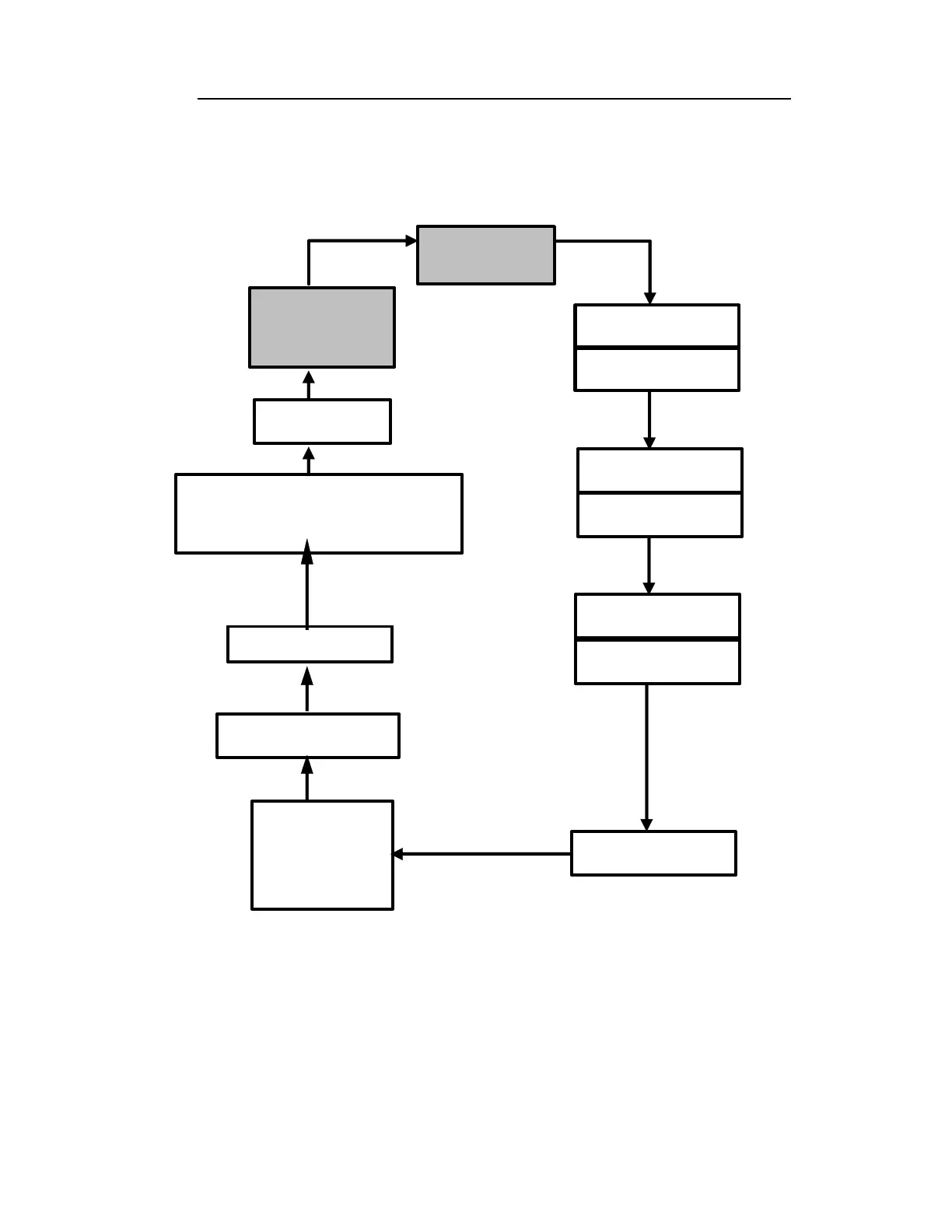
The displays are arranged in a “round robin” order:
To choose a specific display, press the [MODE] key one or
more times until the desired display appears.
Ready
Mode
PC comm?
08/08/99
10:30
To get back to “Ready” mode from any of the above
displays, press the [MODE] key repeatedly until the
“Ready” message reappears.
T=xx°
Gas=
Cancel background?
Log on/off?
Peak
Avg
xxx ppm/ppb
xxx ppm/ppb
hh:mm
Run Time
Bat = x.x V
Figure 2-4. Survey Mode Flow Chart
Note:



 To Next Page