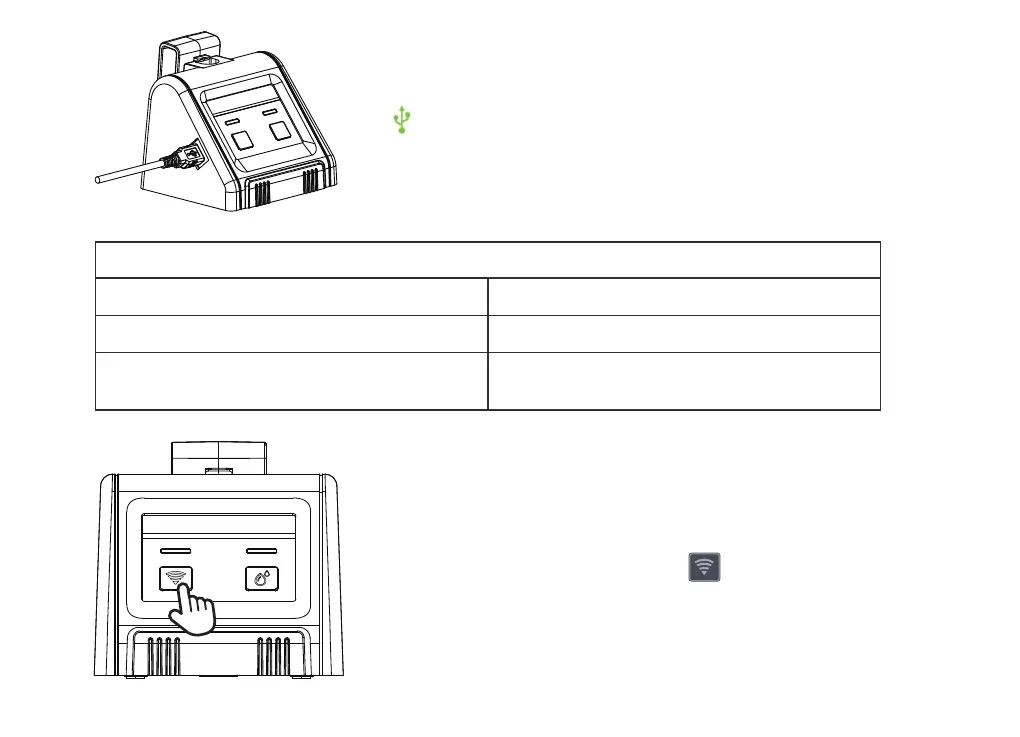
2.4 Always powered by USB cable (Included) for wi
connection and remote control.
2.5 Press and hold 5 seconds of WIFI button until the
indicator light blinks once per second.
Light ashing guide
Powered up and not paired Flashes quickly(once a second)
- 08 -
Porwered on and no network
Powered on and paired
(Network connected)
Falshes slowly (once eve 2 seconds)
Flashes always on



 To Next Page