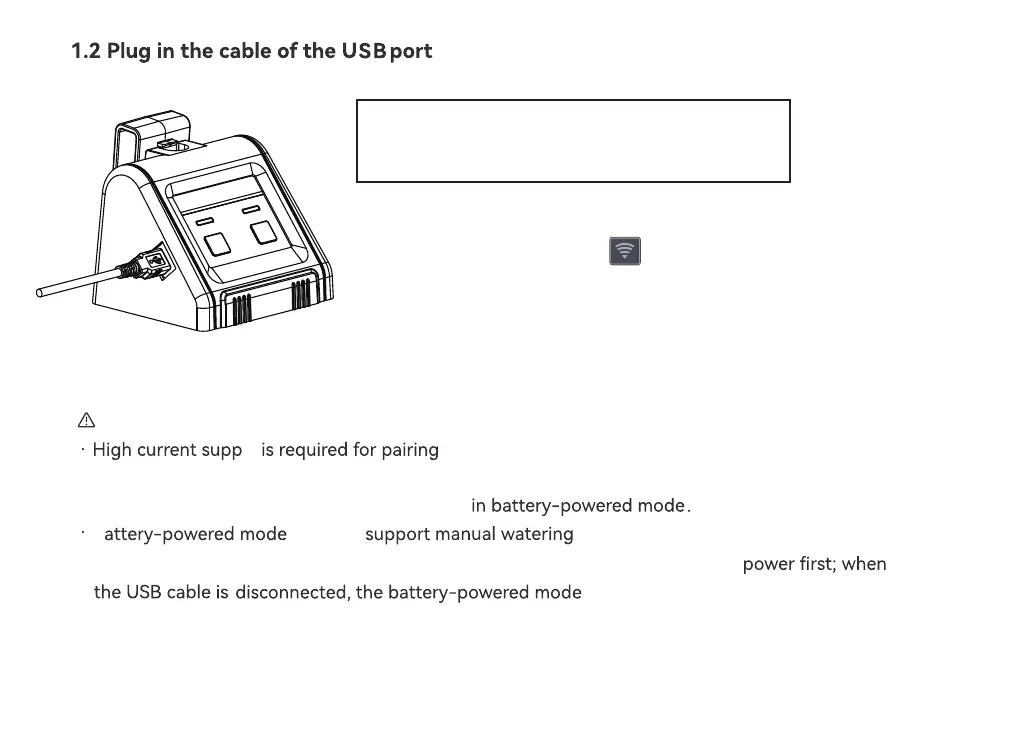
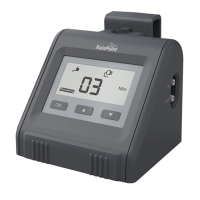
1) Plug in the USB cable (included)
2) When the power is on, the indicator will light up.
Note:
WiFi and accessing APP, so it is only available
cable-powered mode.
ly
in USB
B
can only
· WiFi pairing and APP access are not available
· When both power modes are used simultaneously, it will match the USB cable
will
.
be activated.
- 13 -
WiFi connection and remote control must keep
the USB connection powered, otherwise the WiFi
function will not work.



 To Next Page