EasyManua.ls Logo

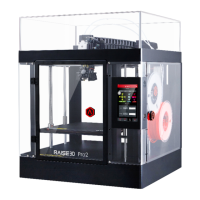
RAISE 3D Pro2 - User Manual

RAISE 3D Pro2
6 pages
Print Icon
To Next Page IconTo Next Page
Loading...
WWW.RAISE3D.COM
AMERICA · ASIA · EUROPE
Pro2 Extruder Front Nozzle Cooling Fan Installation Instruction
Pro2 Extruder Front Nozzle Cooling Fan
Installation Instruction
STEP 1: Preparation
Unload the filament from both nozzles.
Turn off the printer after filament being removed.
STEP 2: Remove old Fan Duct
Remove the 4 fixing screws. Take the Front Fan off together with Protective Cover.
Remove the fixing screw on Fan Duct. Take the Fan Duct off.

Question and Answer IconNeed help?

Do you have a question about the RAISE 3D Pro2 and is the answer not in the manual?

RAISE 3D Pro2 Specifications

General IconGeneral
BrandRAISE 3D
ModelPro2
Category3D Printers
LanguageEnglish

Related product manuals