Raisecom
RCMS2902-2E1GE-BL Product Description
7 Installation and connection
Raisecom Technology Co., Ltd.
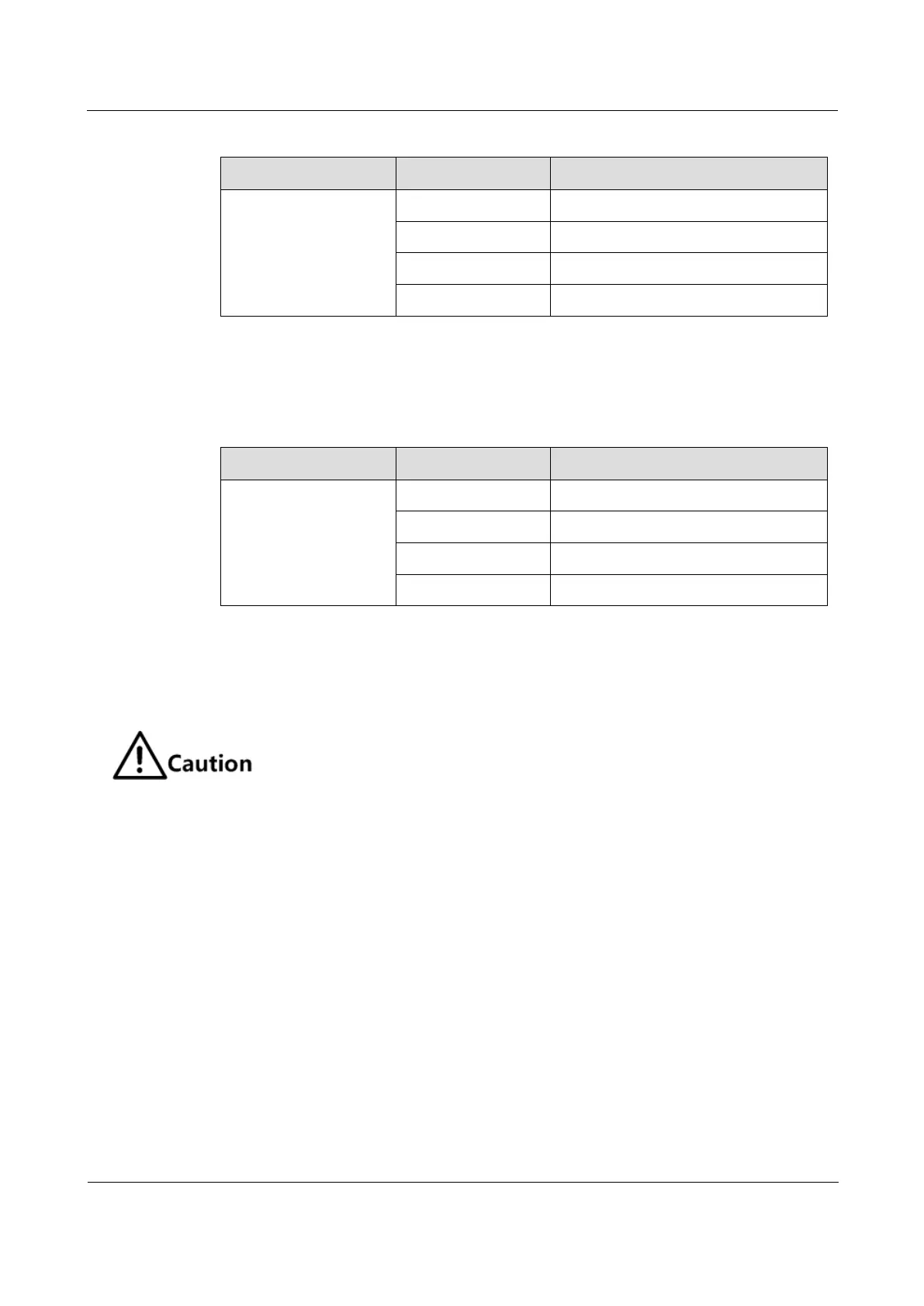
Table 7-1 Connection modes when the Ethernet interface works in self-adaption mode
Connection mode of RJ45 interface
Straight-through/Crossover
Straight-through/Crossover
Straight-through/Crossover
Straight-through/Crossover
When the Ethernet interface works in manual mode, auto MDI/MDIX is disabled. Table 7-2
lists how to connect to other devices in this mode.
Table 7-2 Connection modes when the Ethernet interface works in manual mode
Connection mode of RJ45 interface
7.2 Installing and removing card
When transporting and installing the RCMS2902-2E1GE-BL, please avoid strong
vibration.
When installing/removing the RCMS2902-2E1GE-BL, please wear the ESD wrist
strap.
Unused cards should be placed in the ESD box or ESD bag.
7.2.1 Installing card
To install the RCMS2902-2E1GE-BL, follow these steps:
Step 1 Wear the ESD wrist strap.
Step 2 Configure the DIP switch on the RCMS2902-2E1GE-BL. For details, see section 4.2
Descriptions of DIP switch.
Step 3 Smoothly insert the RCMS2902-2E1GE-BL into the expansion slot of the chassis along the
rail of chassis and tighten the captive screws.
7.2.2 Removing card
To remove the RCMS2902-2E1GE-BL, follow these steps:



 To Next Page