Raisecom
RCMS2902-2E1GE-BL Product Description
Raisecom Technology Co., Ltd.
4 DIP switch
This chapter describes the DIP switch on the RCMS2902-2E1GE-BL, including the following
sections
Appearance
Descriptions of DIP switch
Default settings on DIP switch
4.1 Appearance
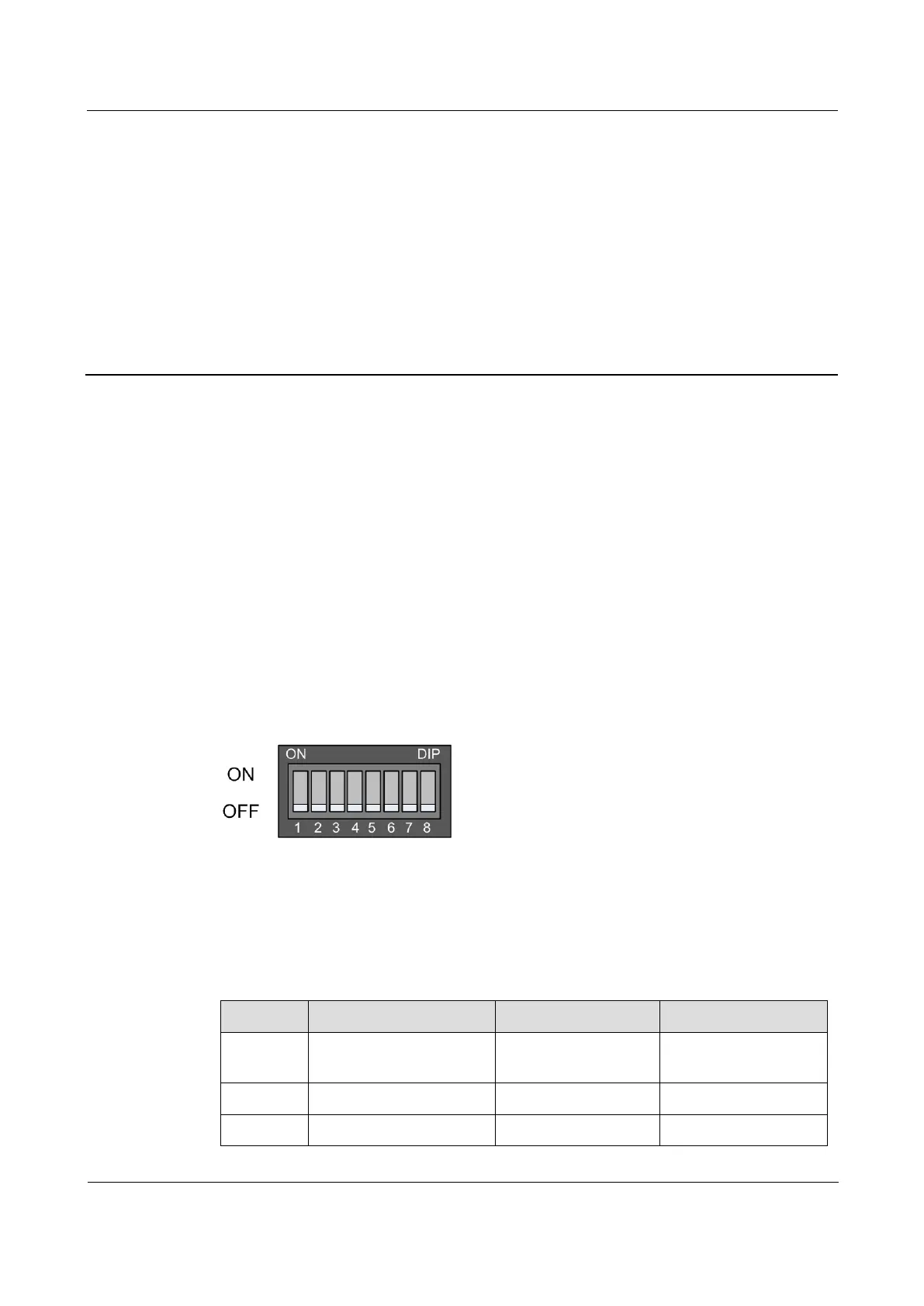
There is a SW1 DIP switch on the RCMS2902-2E1GE-BL. There are 8 switches on the DIP
switch. Figure 4-1 shows the appearance of the DIP switch.
Figure 4-1 Appearance of the DIP switch
4.2 Descriptions of DIP switch
Table 4-1 describes switches 1–8 of the SW1 DIP switch.
Table 4-1 SW1 DIP switch
Configure ALS on the
optical interface.



 To Next Page