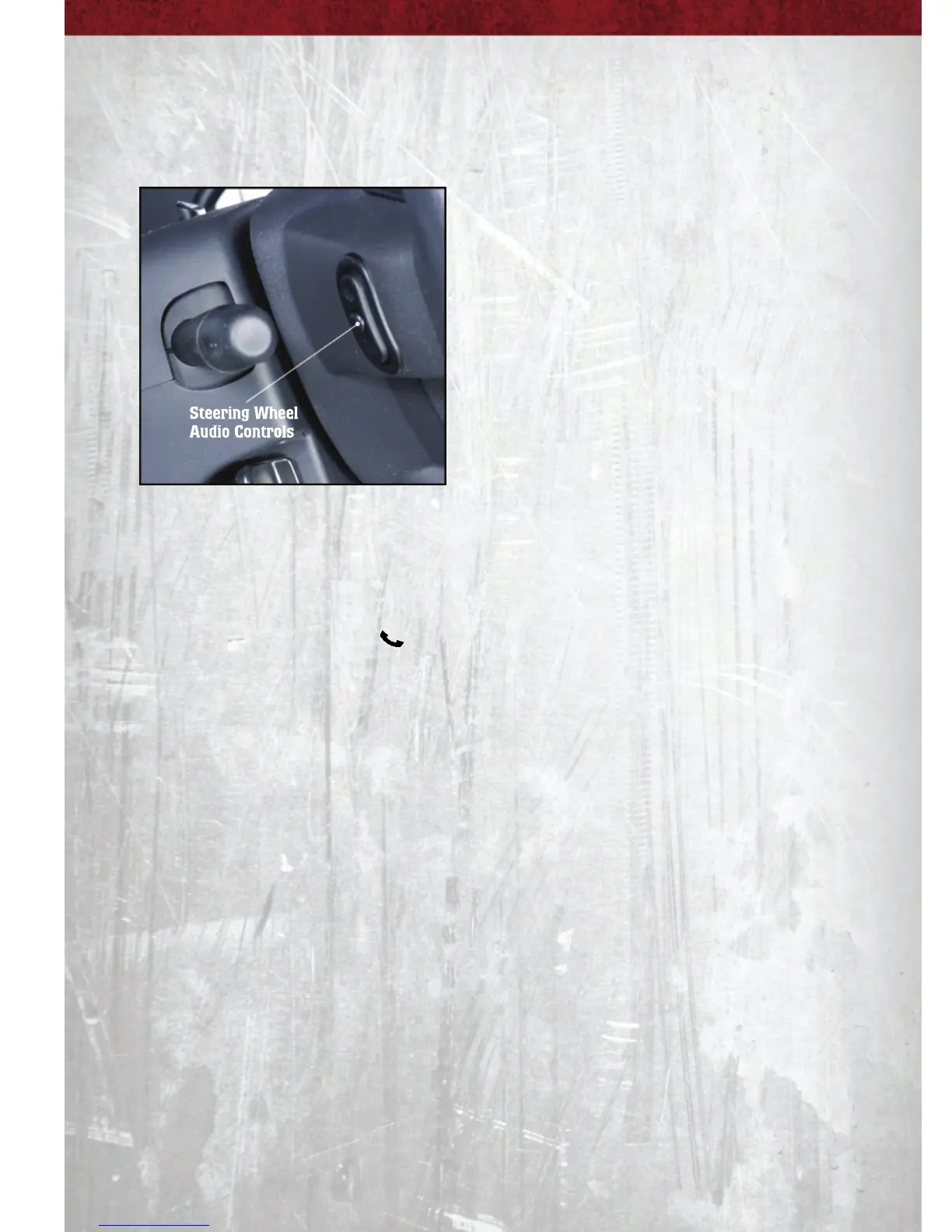
STEERING WHEEL AUDIO CONTROLS
• The steering wheel audio controls
are located on the rear surface of the
steering wheel.
Right Switch
• Press the switch up or down to
increase or decrease the volume.
• Press the button in the center to
change modes AM/FM/CD/SAT.
Left Switch
• Press the switch up or down to
search for the next listenable station
or select the next or previous CD
track.
• Press the button in the center to select the next preset station (radio) or to
change CDs if equipped with a CD Changer.
Uconnect™ Phone
• To determine if your vehicle is equipped with Uconnect™ Phone, press the
Uconnect™ Phone button
. If your vehicle has this feature, after a couple
seconds you will hear a voice prompt. If not, you will see a message on the
radio “Uconnect phone not available”.
• The Uconnect™ Phone is a voice-activated, hands-free, in-vehicle
communications system with Voice Command Capability (see Voice Command
section).
• The Uconnect™ Phone allows you to dial a phone number with your mobile
phone using simple voice commands.
• For vehicles equipped with Video Entertainment System (VES)™, refer to the
Uconnect™ Phone section of the Uconnect™ User's Manual on the DVD for
further details.
• For vehicles not equipped with VES™, refer to your vehicle Owner's Manual on
the DVD for further details.
NOTE: The Uconnect™ Phone requires a mobile phone equipped with the
Bluetooth
®
Hands-Free Profile, Version 0.96 or higher. For Uconnect™ customer
support, call 1–877–855–8400 or visit dodge.com/uconnect.
ELECTRONICS
24



 To Next Page