Installation Steps
NOTE: Actual application may vary slightly from illustrations.
Page 2 of 11
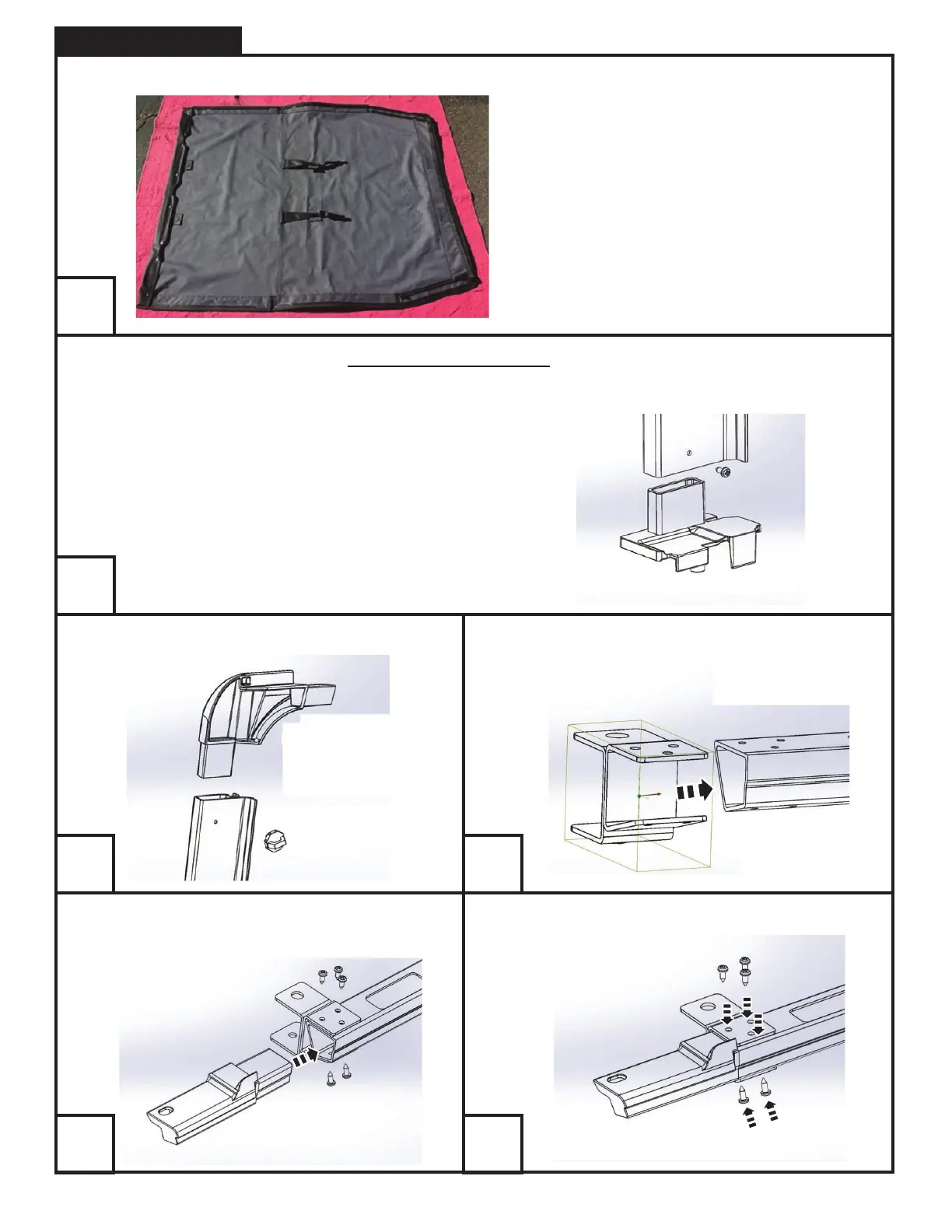
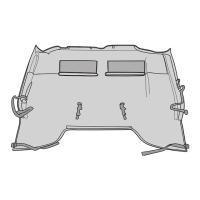
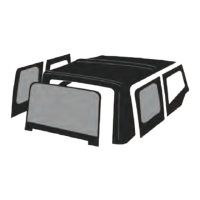
Unfold your new TrailView Soft Top™ and separate the packaged pieces.
TIP: Driver’s side pieces are sealed in green plastic
packaging. Passenger’s side pieces are sealed in clear
plastic packaging. Set aside the windows for a later
step and take care not to scratch them.
TIP: The factory door surrounds cannot be used. Use the Rampage door surround kit that has been designed specifically for the TrailView Soft
Top™. This provided kit is a simple and sturdy mount for this top and is designed to reinforce some weak areas around the factory door
surrounds.
Install driver’s door surround base part with a self-drilling screw.
Slide driver’s side front metal bracket onto front section of door surround.Install driver’s side upper corner part with a small turn-knob bolt.
Push front plastic insert into front section of door surround. Secure all pieces with 5 small self-drilling screws.
1
2
3 4
5
6



 To Next Page