14
Cooler
The cooler mode is used for setting the temperature of the
cooler compartment. Press the cooler button to set the
temperature to 2, 3, 4, 5, 6, 7 or 8 °C.
Freezer
The freezer button is used to set the temperature for the
freezer compartment.
Press the freezer button to set the temperature of the freezer
to -16, -17, -18, -19, -20, -21, -22, -23, or -24 °C.
Child lock
Child lock can be activated to prevent any
accidental or unintentional changes being made
to the appliance settings.
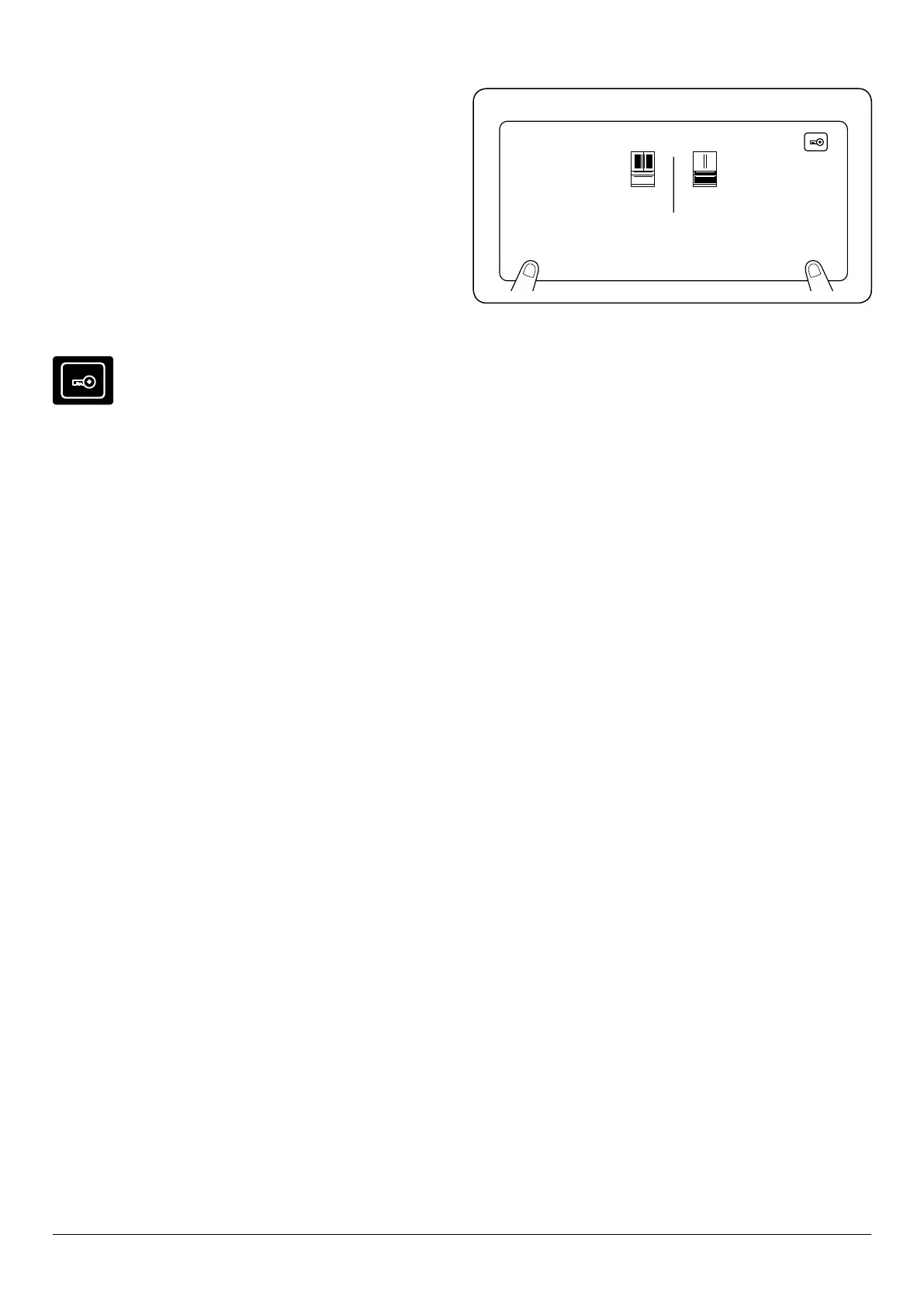
To activate (Fig. 3.4) the child lock, press and hold the cooler
and freezer buttons simultaneously for 3 seconds.
While child lock is active, no changes can be made to settings
as the buttons will be inactive. The lock symbol will be
displayed.
To deactivate (Fig. 3.4) the child lock, press and hold the
cooler and freezer buttons simultaneously for 5 seconds.
SCREEN SAVER (s.saver)
This mode saves energy by switching o all control panel
lighting when the panel is left inactive. Screen saver mode
will be activated automatically after 30 seconds.
This function saves energy by switching the lights on the
electronic display panel o. To activate the screensaver, press
and hold the ‘s.saver’ button for 3 seconds. To deactivate the
screensaver, press and hold the ‘s.saver’ button for 3 seconds.
Door open alarm function
If either the fridge or freezer door is left open for more than 2
minutes, the appliance will beep.
02
mode q drink s.saver
°c
-22
°c
sensor freezer
cooler
Fig. 3.4 Child lock



 To Next Page