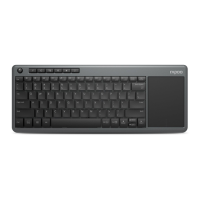
10. Switch on the Bluetooth keyboard, and press the connect button on the underside of
the keyboard. The blue ‘connect’ LED should flash.
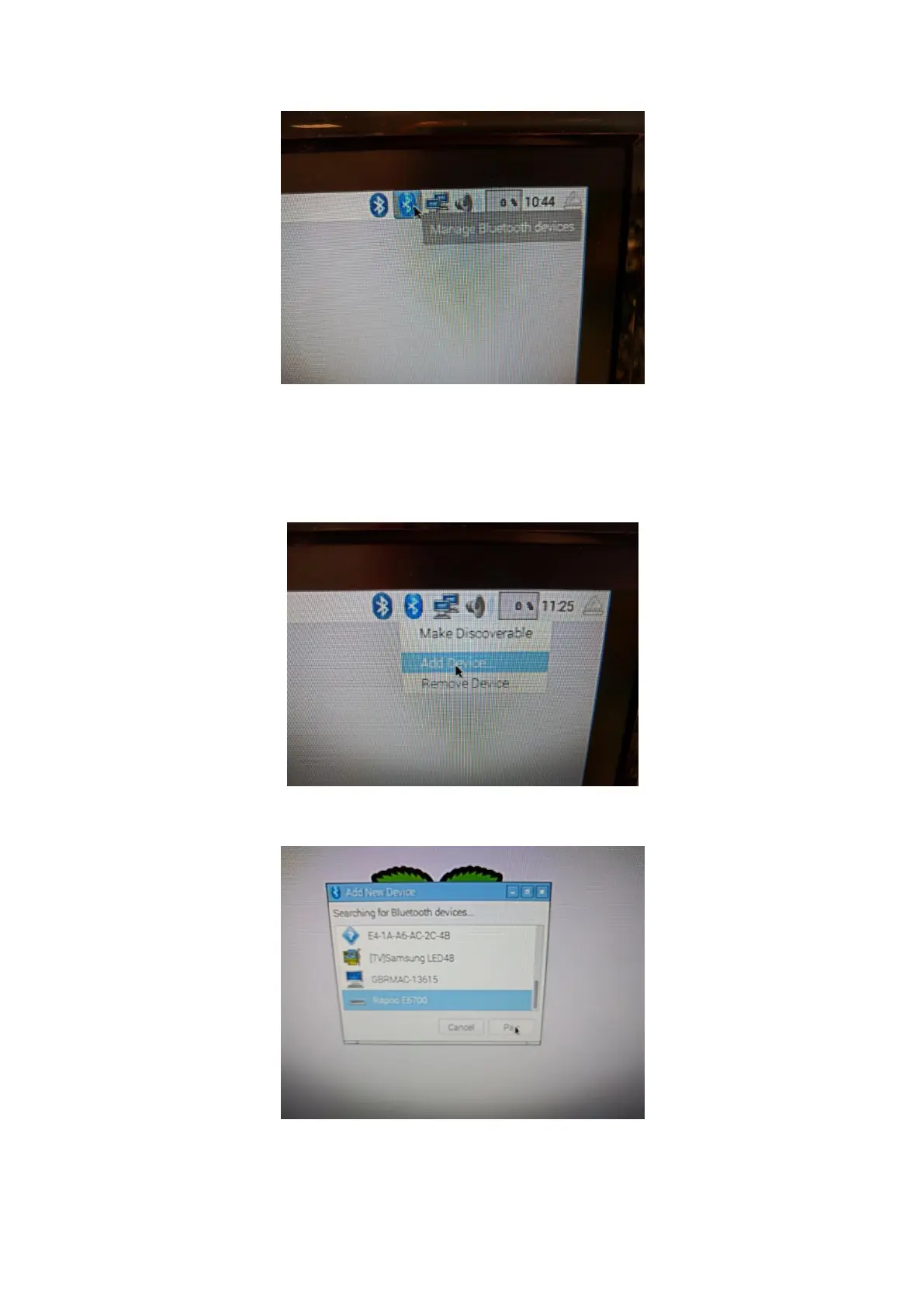
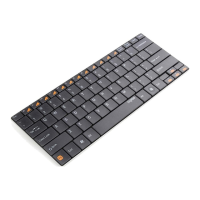
11. Click on the Bluetooth icon at the top right of the desktop screen, and select ‘Add
Device ...’.
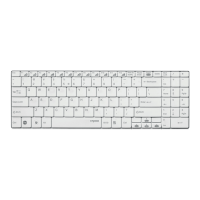
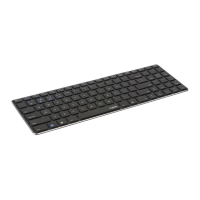
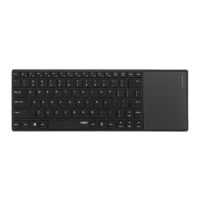
You should see an entry ‘Rapoo E6700’ in the list of Bluetooth devices.
12. From the list of Bluetooth devices, select ‘Rapoo E6700’, and click on the ‘Pair’
button.


 To Next Page