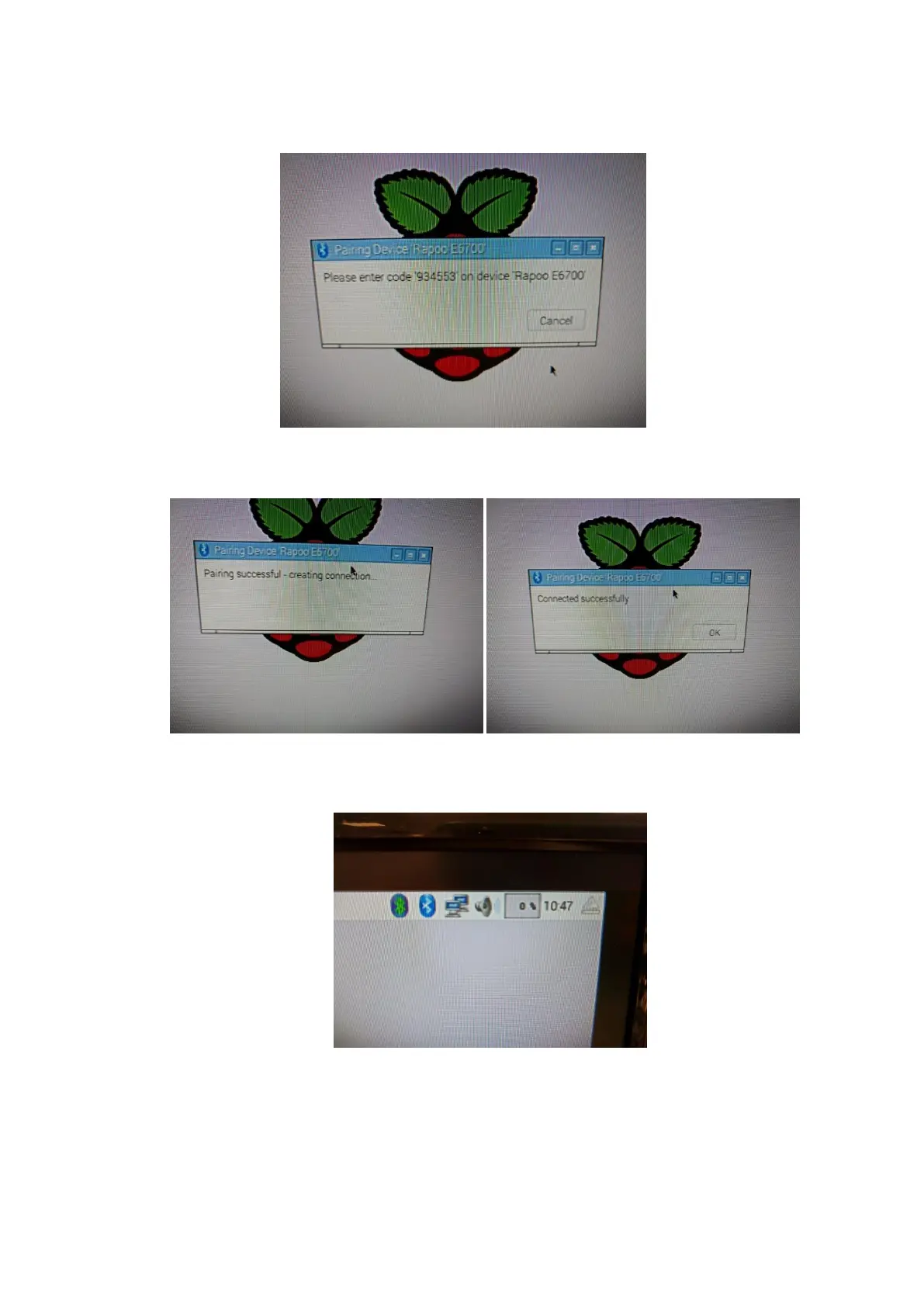
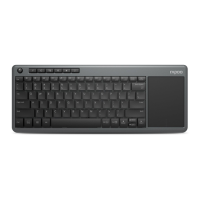
13. You should be instructed to enter a 6 digit passcode on the Bluetooth keyboard.
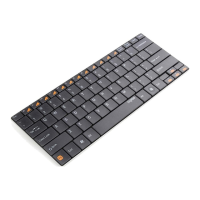
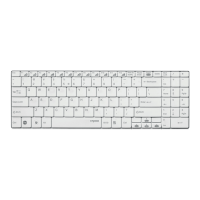
Type in the code, and press the enter key. At this point the keyboard should be
successfully paired and connected to the Raspberry Pi.
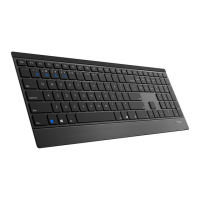
Once the Bluetooth keyboard is connected, you should notice the second Bluetooth
icon change to green, to indicate that a Bluetooth device is connected.
Alternative Setup For NOOBS/Raspbian (Using Command Line)
We have received a number of reports regarding customers being unable to connect their
Bluetooth keyboard using the method above. If you have problems connecting to your


 To Next Page