Skip to content
Manuals+
User Manuals Simplified.
Home » rapoo » rapoo Bluetooth Keyboard Instructions
rapoo Bluetooth Keyboard Instructions
Contents [ hide
1 Bluetooth Keyboard
1.1 Overview
1.2 Instruction
1.3 Bluetooth pairing
1.4 Windows®10:
1.5 Booting/shutdown/Bluetooth pairing
indication
1.6 WARRANTY
1.7 Safety instructions
1.8 Troubleshooting
2 File Downloads
3 References
4 Related Manuals
Bluetooth Keyboard
Quick start guide
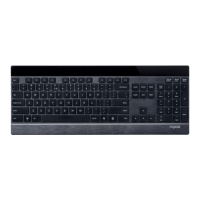
Bluetooth KeyboardSF version S F 4′ (SF)
Package contents
System Requirements/Windows® XP/Vista/7/8/10 or later Windows® XP/Vista/7/8/10 8JOEPXT®917JTUB
Windows® XP/Vista/7/8/10
XK200
Overview
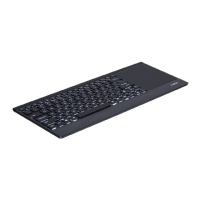
Swipe cursor: Move using a single finger
Left click: Click using a single finger
Right click: Click using two fingers
Drag: Double click and drag a finger on the touch-pad
Vertical scrolling: Swipe up and down using two fingers
Horizontal scrolling: Swipe left and right using two fingers
Zoom in/Zoom out: Two fingers separate/get together
Open Cortana: Click using three fingers(Win+s) Support Windows 10 only
Open Action+center: Click using four fingers win+ASupport Windows 10 only
Switch between opened windows: Swipe left using three fingers ALT+TAB+
Switch between opened windows: Swipe right using three fingers ALT+TAB+ Tasks view: Swipe up using three
fingers Win+Tab Show/Hide desktop: Swipe down using three fingers (windows+D)/Cortana(Win+s) Windows10
Action+centerwin+AWindows10 ALT+TAB+ ALT+TAB+ : Win+Tab /windows+D

 Need help?

 To Next Page
 General