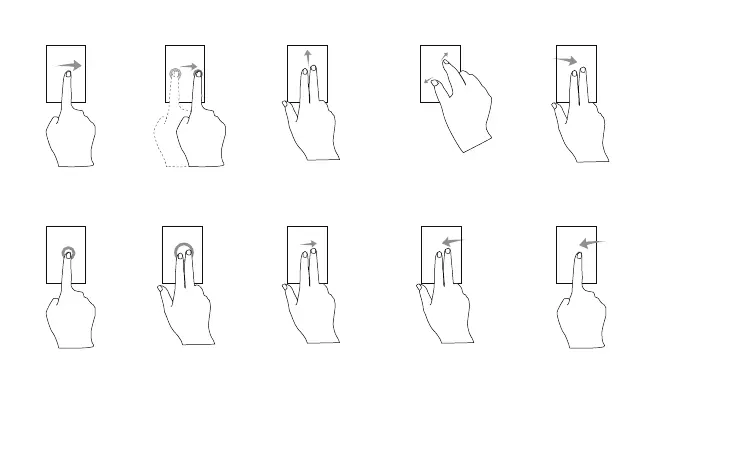
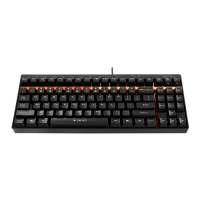
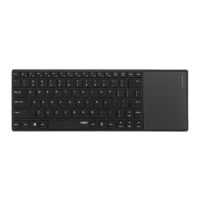
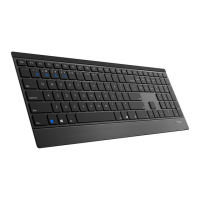
Swipe cursor:
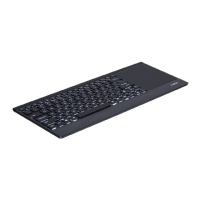
Move using a single finger
Drag:
Double click and drag
a finger on the touchpad
Left click:
Click using a single finger
Right click:
Click using two fingers
Vertical scrolling:
Swipe up and down using
two fingers
Zoom in/Zoom out:
Two fingers separate/get
together
Vertical scrolling:
Swipe up and down using
two fingers
Switch desktop:
Swipe from the right edge
using two fingers(win+ctrl+←)
Switch desktop:
Swipe from the left edge using
two fingers(win+ctrl+→)
Windows shift to the left side of
the screen:
Swipe from the right edge
using a single finger(win+←)
1 2
3 4
5 6
7 8


 To Next Page