15
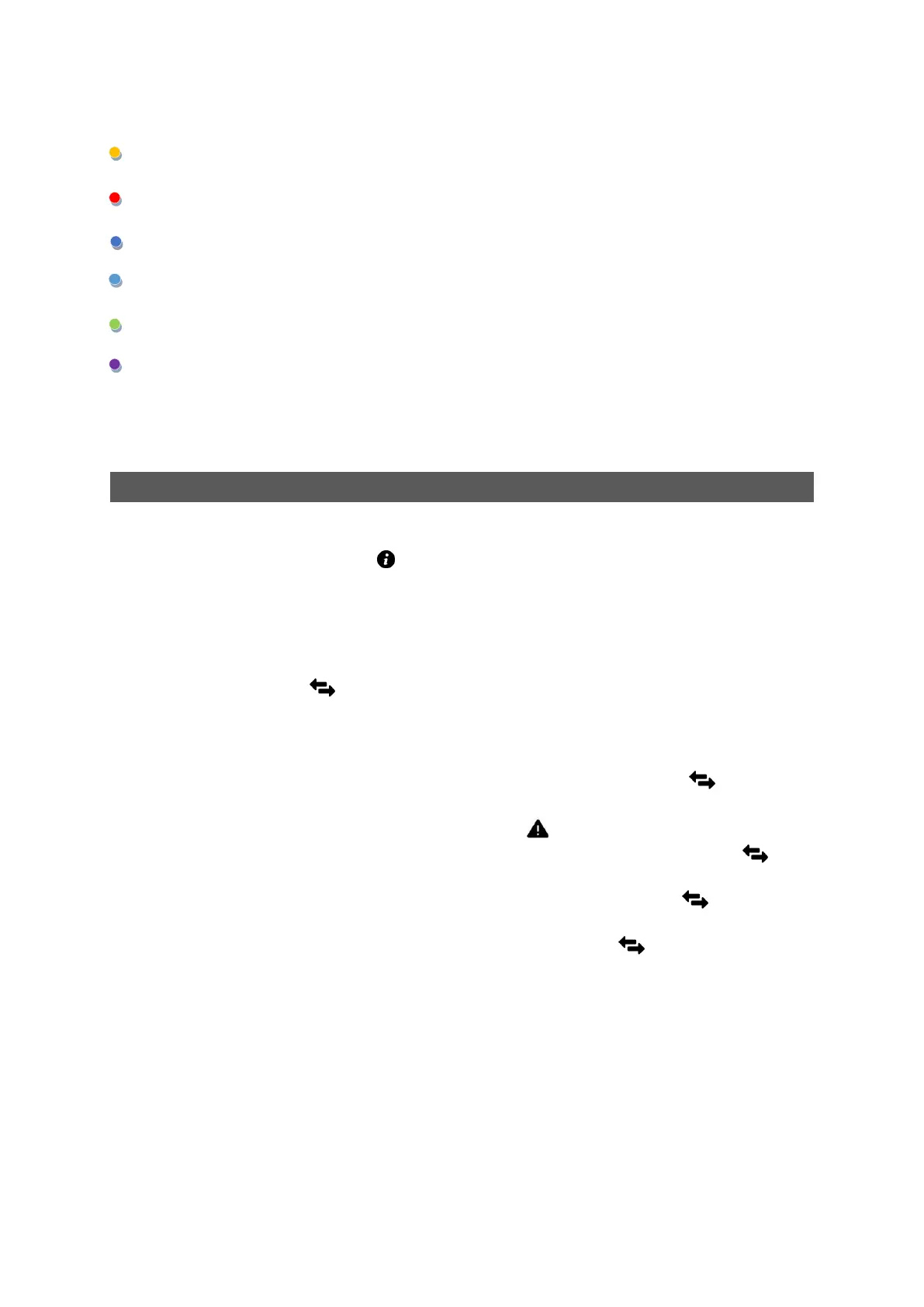
LEDs CH1..CH4
warning - exceeding the warning threshold on channel CH X
alarm - exceeding the alarm threshold on channel CH X
resistance measurement on CH X
TDR measurement on channel CH X
flashing – firmware update in progress
level of GSM signal strength
1. Operating modes of the device.
After starting the device, Status LED lights up blue. After connecting the device with PC (USB)
colour changes to green.
2. GSM communication.
After switching on the device starts automatically connection with GSM network, by following steps:
Communication LED is flashing blue.
After connection to GSM network, device shows GSM signal strength on LEDs „CH1” to „CH4”
by lighting purple.
Next device starts to communicate server:
After successful communication with server, communication LED flashes green
3x
Device not configured on server, alarm LED flashes green 3x
In case SIM card is missing or it is a problem with SIM card communication LED blinks
slowly in red.
If device has problem to connect with GSM network, communication LED flashes purple.
Device will periodically try to connect again.
If device failed to connect with the server communication LED flashes fast in red. The
connection attempt will be repeated at the next measurement period.
LED OPERATION AFTER STARTING THE DEVICE


 To Next Page