Bluetooth music
S
elect Bluetooth from the m
usic source page
and open the Bluetooth connection on your
mobile device. Pair to device Bluetooth device under the new device name.
Line input
Connect the Aux 3.5mm cables to the audio source select line in
mode on the application or remote control.
Local music
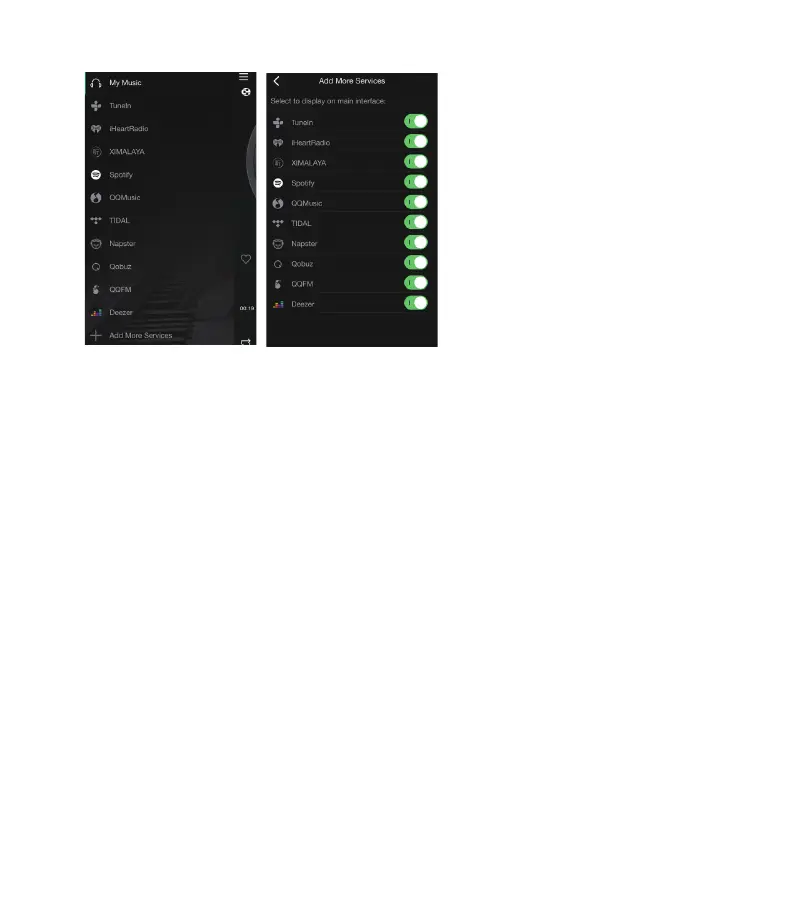
Click the
“My Music” on the application to play music from your mobile device.
**
iOS iTunes library will not be available for
local music.
Line input
Connect the Aux 3.5mm cables to the audio source select line in
mode on the application or remote control.
Home Music Share
Please note that our system only support NAS with DLNA feature.
AirPlay
The device supports AirPlay1 you can choose the AirPlay and
to stream music
Stream from PC
Ou
r devices can stream audio sources from local storage, media library in Mac and Windows
PC and online services from iTunes. Users can easily play and switch music, control volume and
choose the audio devices to group and upgroup the audio devices.


 To Next Page