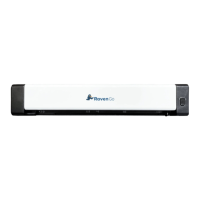
Scanner Setup Guide
Getting started with Raven Scanner
1
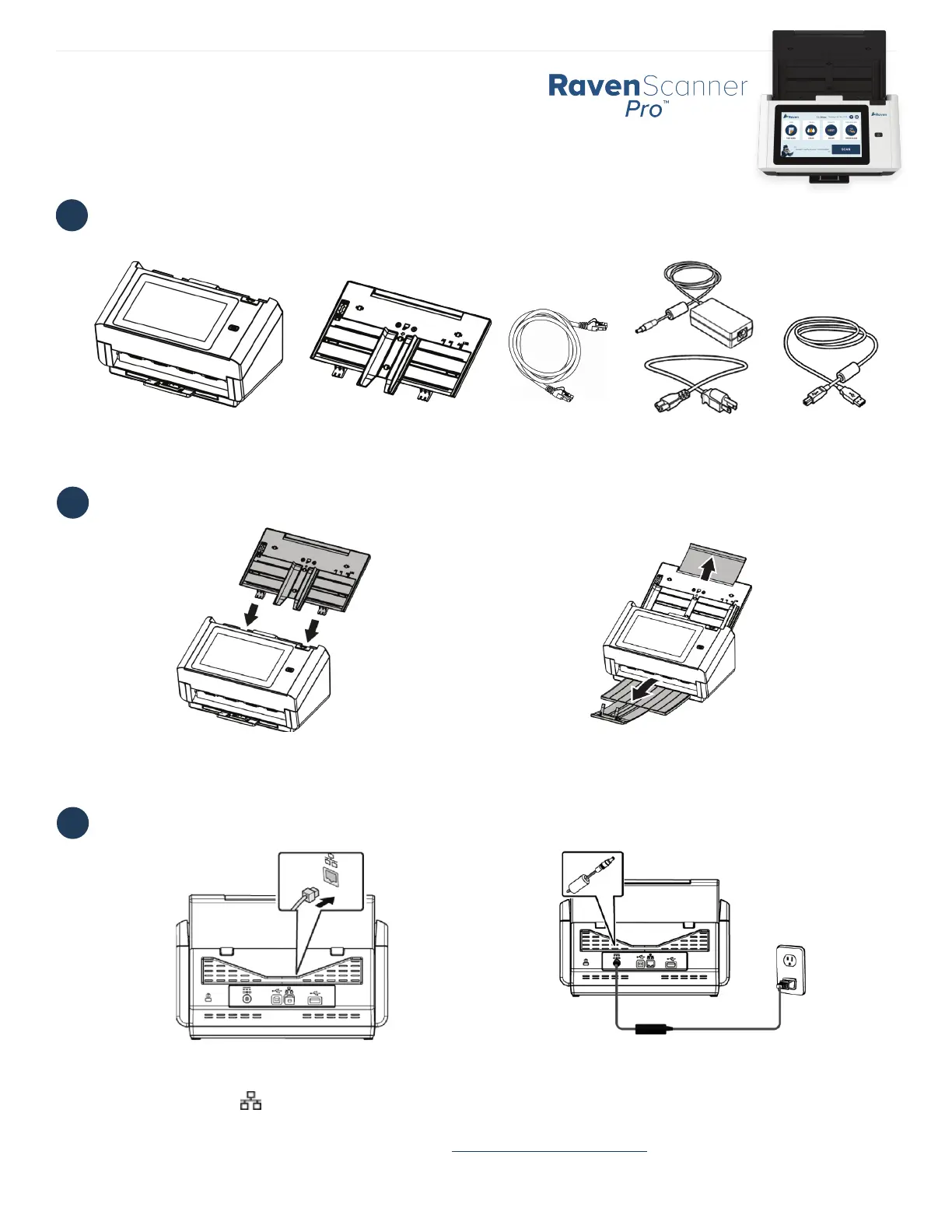
WHAT’S IN THE BOX
2
SET UP THE SCANNER
3
CONNECT TO POWER AND INTERNET
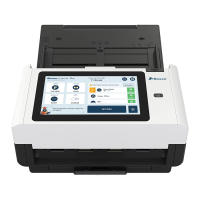
Scanner Main Unit Paper Tray Ethernet Cable
Power Adapter
& Power Cable
2.1 Hold the ADF Paper Tray and insert the two pins
into the holes on the top of the scanner as shown.
2.2 Pull out the feeder tray extension. Pull the Output
Tray and raise the paper stopper to prevent the paper
from falling.
3.1 Connect one end of your Ethernet LAN cable to an
available port of your Ethernet Hub, connect the other
end to port marked at the back of the product.
3.2 Connect one end of the power cable to the power
receptacle of the product. Connect the other end to an
appropriate power outlet.
Download the user manual and the TWAIN driver at raven.com/user-manuals
Our support team is available to answer any questions and take your feedback.
Call us at 1-800-713-9009 or email support@raven.com
Version 4
USB Cable


 To Previous Page