Chapter 16
90 SCS 4000/5000 Series™ Installation & Operation Manual
Data String Request:
$R,DR<CR><LF>
For Example:
Change product 1 rate to 130.0
Change product 2 rate to 0.0
Change product 3 rate to 102.7
Note: The decimal point will not be sent from the remote computer to the Raven console.
SCS 4000/4070/5000 Console to
Remote Computer
All SCS 4000/4070/5000 output strings begin with $R114-, the $R indicates a Raven communication string,
114 are the last three digits of the program number and “-” denotes the software revision letter.
Calibration Strings:
• $R114-,C1,<switch_byte_1>,<switch_byte_2>,<boom_1_cal>,<boom_2_cal>,<boom_3_cal>,
<boom_4_cal>,<boom_5_cal>,<boom_6_cal>,<boom_7_cal>,<boom_8_cal>,<boom_9_cal>,
<boom_10_cal>,<speed_cal> <CR><LF>
• $R114-,C2,<meter_1_cal>,<meter_2_cal>,<meter_3_cal>,<meter_4_cal>,<meter_5_cal>,
<spreader_constant_1>,<spreader_constant_2>,<spreader_constant_3>,<spreader_constant_4>,
<spreader_constant_5><CR><LF>
• $R114-,C3,<valve_cal>,<valve_2_cal>,<valve_3_cal>,<valve_4_cal>,<valve_5_cal>,<rate_1_cal>,
<rate_2_cal>,<rate_3_cal>,<rate_4_cal>,<rate_5_cal><CR> <LF>
Note: If prod auto and manual are both zero, the product is off. For switch Byte Bits: 0 = Off and 1 = On.
Bit Switch Byte 1 Switch Byte 2 Switch Byte 3
0 boom 1 boom 8 prod 3 auto
1 boom 2 boom 9 prod 3 manual
2 boom 3 boom 10 prod 4 auto
3 boom 4 prod 1 auto prod 4 manual
4 boom 5 prod 1 manual prod 5 auto
5 boom 6 prod 2 auto prod 5 manual
6 boom 7 prod 2 manual 0
71 1 1
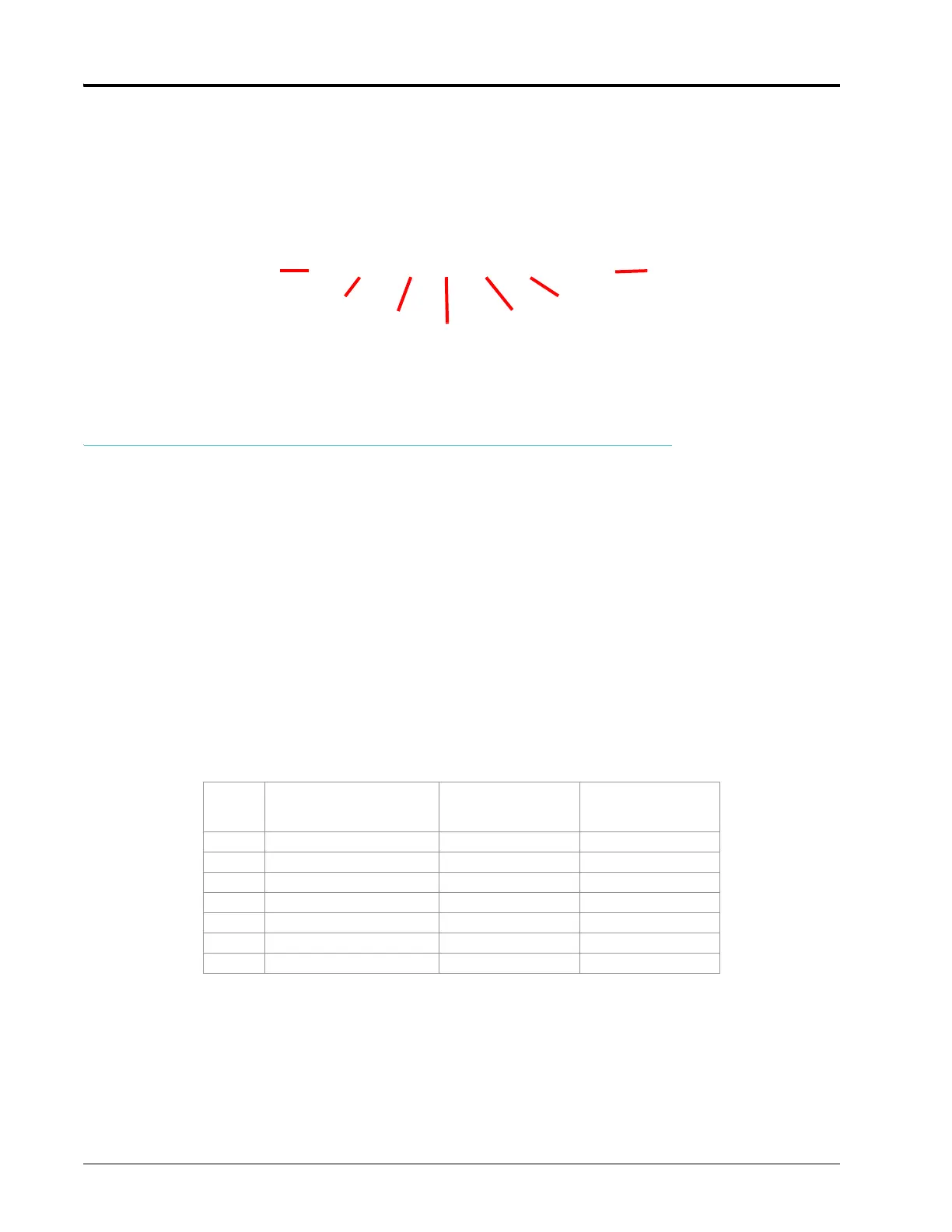
$R,RC,1300,0,1027<CR><LF>
Start of
Communication
String
Rate Cal ID
Rate 1
Carriage Return
Line Feed
Rate 2
Rate 3



 To Next Page
 Loading...

