EasyManua.ls Logo

RAYDOT CVS-21HA - User Manual

Default Icon
38 pages
Print Icon
To Next Page IconTo Next Page
Loading...
User's Guide
Read this guide carefully before using the controller.
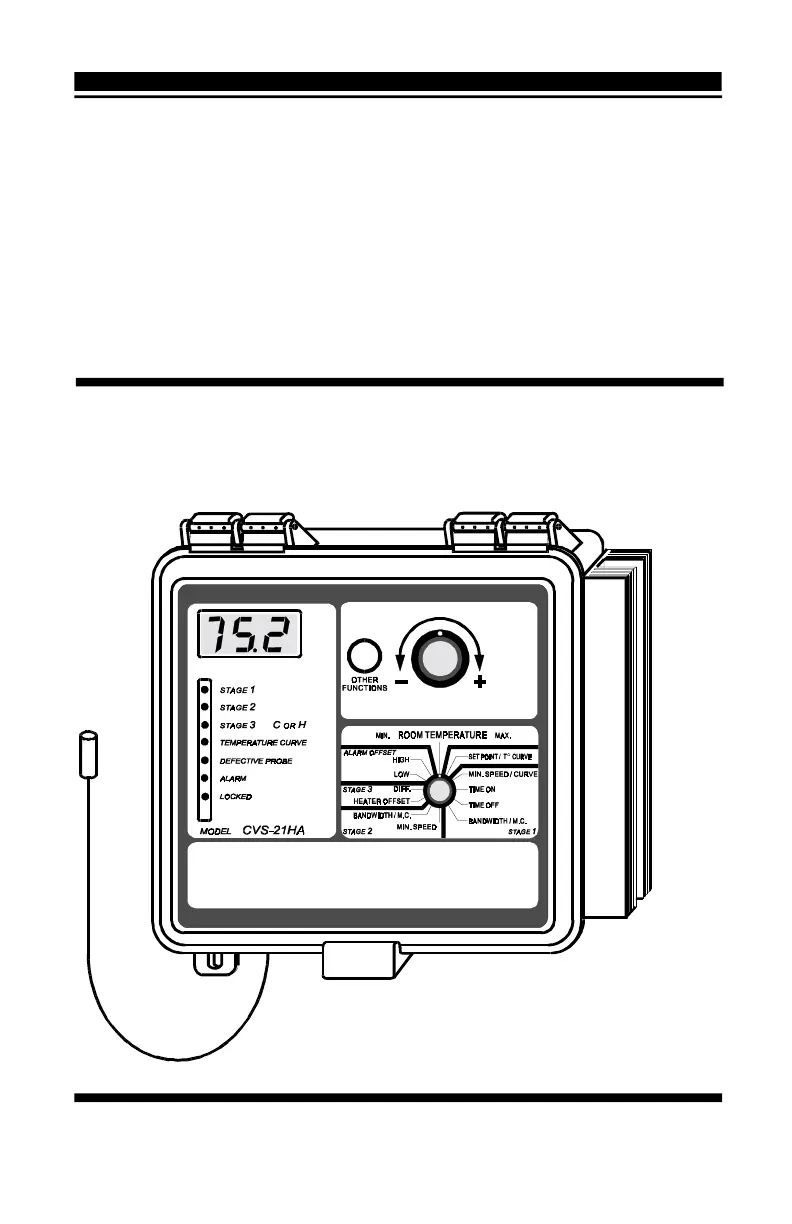
CVS-21HA
Temperature Controller
SET

Questions and Answers

  • B
    Briana RobertsAug 18, 2025
    Why are my stage 1 or 2 fans not running on my RAYDOT Temperature Controller?
    • L
      lgrantAug 18, 2025
      There are several potential reasons why the stage 1 or 2 fans might not be running: * The wiring may be incorrect, so correct the wiring. * The stage's fuse may be open, so replace the fuse. * The display board interconnect cable may not be plugged into the power supply board properly, so be sure the cable is firmly plugged in. * The stage 1 or 2 minimum speed may be too low, so adjust the minimum speed to a higher value. * The fan motor may be defective, so connect the fan motor to an alternate power supply. If it still does not operate, repair the motor.
  • B
    Brandon RileyAug 20, 2025
    What to do if the wiring is incorrect on my RAYDOT CVS-21HA?
    • P
      Pamela CarrilloAug 20, 2025
      If the wiring is incorrect, correct the wiring.
  • B
    Bobby LopezAug 23, 2025
    Why are my stage 3 fans or heating units not operating on my RAYDOT CVS-21HA?
    • A
      andrewstevensonAug 23, 2025
      Several factors could cause the stage 3 fans or heating units to not operate: * The stage's fuse may be open, so replace the fuse. * The display board interconnect cable may not be properly connected to the power supply board, so ensure the cable is firmly plugged in. * The wiring may be incorrect, so correct the wiring. * The fan motor or heating unit may be defective, so connect the fan motor or heating unit to an alternate power supply. If it still does not operate, repair the fan motor or heating unit. * Listen to see if there is a clicking sound when the stage's pilot light turns on.
  • K
    Kevin OrrAug 26, 2025
    Why are the stage 1 fans on my RAYDOT CVS-21HA Temperature Controller running continuously at full speed?
    • B
      bergerandrewAug 26, 2025
      The stage 1 fans might run continuously at full speed because of these reasons: * The wiring is incorrect, so correct the wiring. * The room temperature is above the set point, so adjust the set point to the desired value.
  • M
    Mark BarrAug 28, 2025
    What to do if my RAYDOT CVS-21HA has detected a defective probe?
    • R
      Rodney TurnerAug 28, 2025
      To address a defective probe detected by the controller, replace the defective probe.
  • J
    Jesse DavisAug 30, 2025
    What to do if the input fuse is open on my RAYDOT Temperature Controller?
    • W
      williamsvictorAug 30, 2025
      If the input fuse is open, replace the fuse.
  • K
    Katelyn OneillSep 2, 2025
    Why are the stage 1 fans running erratically on my RAYDOT Temperature Controller?
    • A
      Amanda DavisSep 2, 2025
      The erratic behavior of the stage 1 fans could be due to: * The selected motor curve being inappropriate for the type of fan motors you are using, so select an appropriate motor curve. * The stage 1 bandwidth being too low, so adjust the bandwidth to a higher value. * The stage 1 time on or time off being too short, so adjust the time on or time off to a higher value.
  • K
    Kim WilsonSep 4, 2025
    What to do if the stage 1 fans do not stop running when operating according to the minimum ventilation cycle on my RAYDOT CVS-21HA Temperature Controller?
    • M
      Meghan BrownSep 4, 2025
      If the stage 1 fans do not stop running during the minimum ventilation cycle: * The wiring may be incorrect, so correct the wiring. * The stage 1 time on may be adjusted to a value other than zero, so adjust the time on to zero.
  • S
    Stephanie OwensSep 6, 2025
    What to do if the display board interconnect cable is not plugged into the power supply board properly on my RAYDOT CVS-21HA Temperature Controller?
    • D
      Donald Arnold DDSSep 7, 2025
      If the display board interconnect cable is not properly connected to the power supply board, ensure the cable is firmly plugged in.
  • Z
    Zachary Proctor IIISep 9, 2025
    What to do if the voltage selector switch is in the wrong position on my RAYDOT Temperature Controller?
    • D
      danielsmichelleSep 9, 2025
      If the voltage selector switch is in the wrong position, set the switch to the correct position.

RAYDOT CVS-21HA Specifications

General IconGeneral
BrandRAYDOT
ModelCVS-21HA
CategoryTemperature Controller
LanguageEnglish