CVS-21HA.rev.03 13
Return to the stage 1 band width display either by pressing the
push-button or by waiting 10 seconds without changing the position
of the adjustment knob.
HOW TO SELECT A TEMPERATURE UNIT
Temperatures can be displayed in degrees Celsius or Fahrenheit.
Set switch # 2 to the desired position:
ON : degrees Celsius.
OFF : degrees Fahrenheit.
FACTORY SETTING: When the controller is shipped from the factory,
switch # 2 is set to OFF (temperatures are displayed in degrees Fahrenheit).
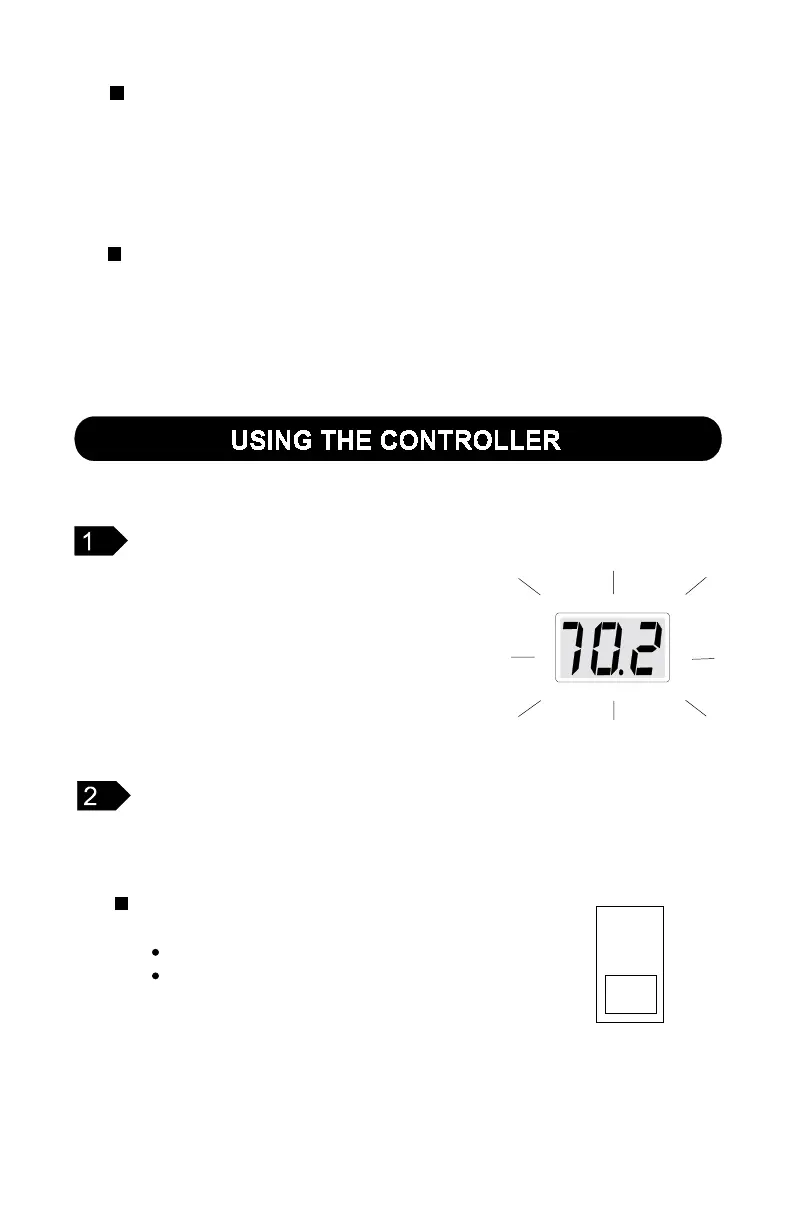
The display flashes certain values and does
not flash others. The flashing indicates that the
value on the display can be adjusted. Values
that are not flashing can not be adjusted.
VALUES FLASHING ON THE DISPLAY
To select a motor curve for stage 2:
Repeat the steps described for stage 1, this time setting the
parameter selection knob to BANDWIDTH/M.C. - STAGE 2.
FACTORY SETTING: When the controller is shipped from the factory, curve
number 4 is selected for both stage 1 and stage 2.
2
ON



 To Next Page